
Thermal Printer Stops After First Label in a Batch? Check Jobs
Thermal printer prints one label then stops? Separate app batch settings, page counts, sensor problems, cutter and peel modes, queue…
Read the guideLabelFix Lab / Topic library
Fix thermal label printers that skip stickers, feed continuously, show Paper Out with a roll loaded, jam, cut in the wrong place, or place content off-center. Start with the visible symptom and inspect the actual label stock, gap or black-mark sensing, driver dimensions and supported calibration. The guides focus on controlled tests and safe media handling so you can avoid unnecessary resets, wasted rolls and damaged shipping barcodes.
Articles in this topic
Thermal printer prints one label then stops? Separate app batch settings, page counts, sensor problems, cutter and peel modes, queue…
Read the guide
Zebra ZT230 skipping labels or feeding too far? Separate sensing mode, media calibration, page length and optional presentation settings.
Read the guide
Rollo printer skipping labels? Diagnose feed gaps, sensing, media alignment, and accidental extra pages before recalibration.
Read the guide
Peeler-equipped thermal printer stops waiting for label removal? Diagnose peel mode, label-taken sensor, backing path and supported media.
Read the guide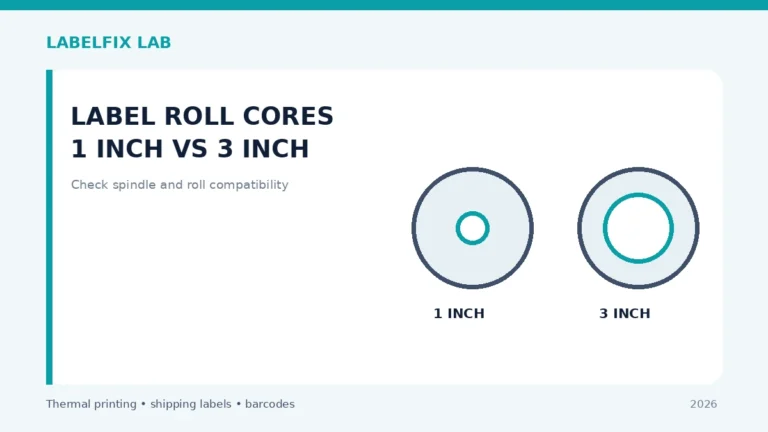
Label roll won't fit your thermal printer? Compare 1-inch and 3-inch cores, spindle compatibility, outside diameter and label width.
Read the guide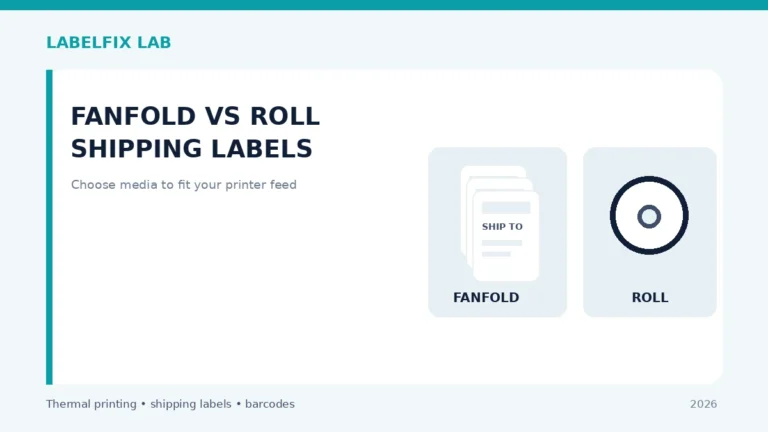
Compare fanfold and roll shipping labels by printer feed path, core size, capacity, guides, storage, jams and 4x6 compatibility.
Read the guide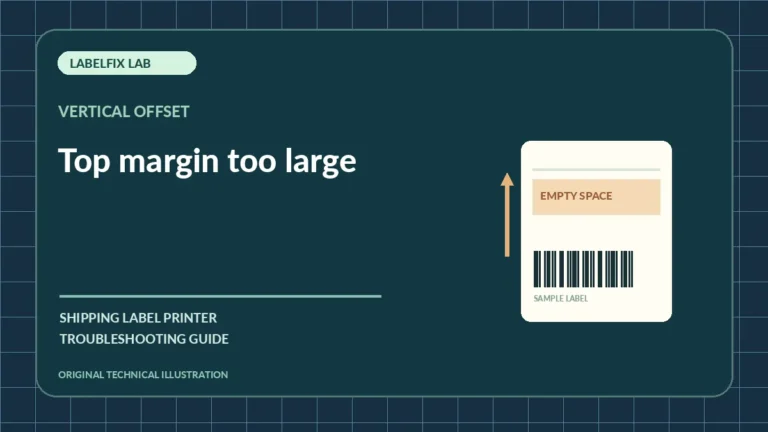
Thermal shipping label has a huge top margin or starts too low? Check top-of-form, vertical offset, page boxes and gap…
Read the guide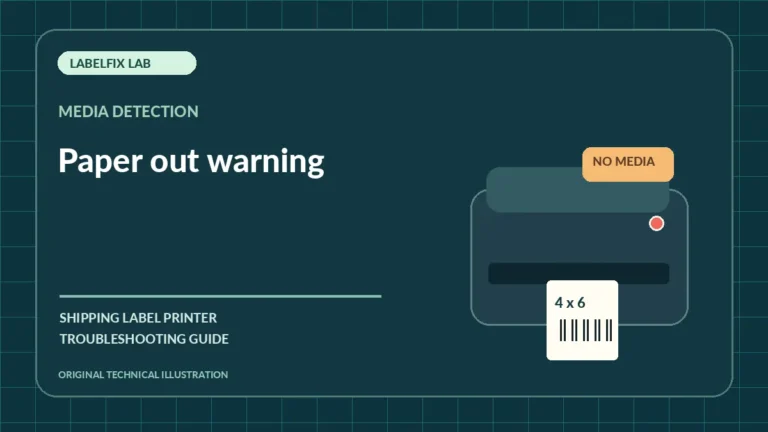
Printer showing Paper Out or No Media with a full label roll? Learn to check gap and black-mark sensing, liner…
Read the guide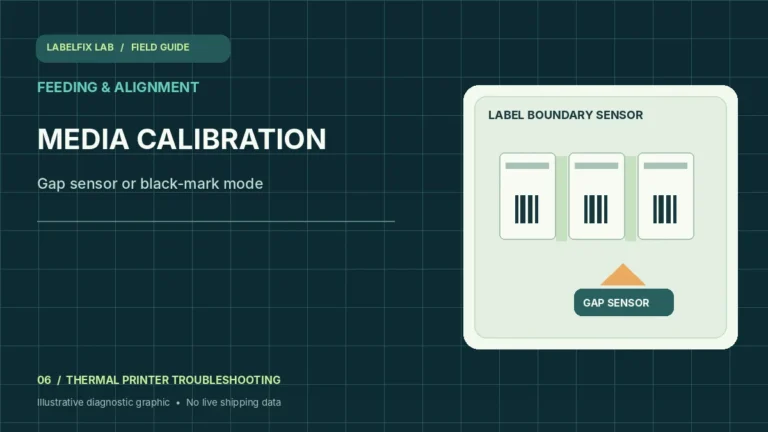
Learn what thermal printer calibration does and when to use gap, black-mark or continuous stock settings without guessing button sequences.
Read the guide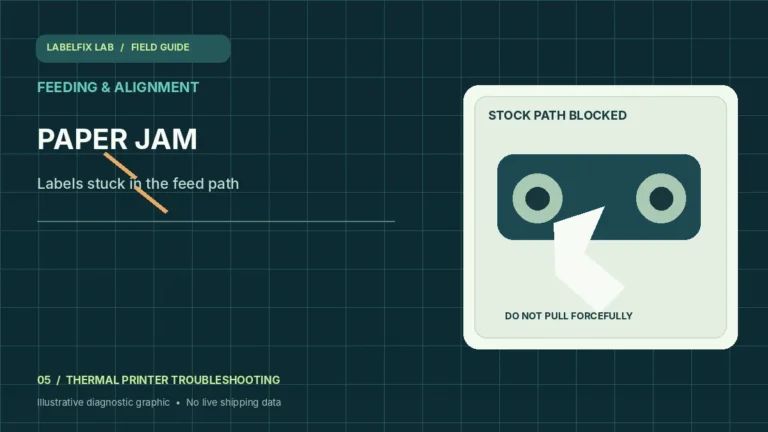
Thermal printer labels stuck or jamming? Learn safe clearing steps and how to inspect adhesive residue, rollers, guides, torn liners…
Read the guide