Thermal Label Printer Printing Off-Center? Fix Left/Right Alignment
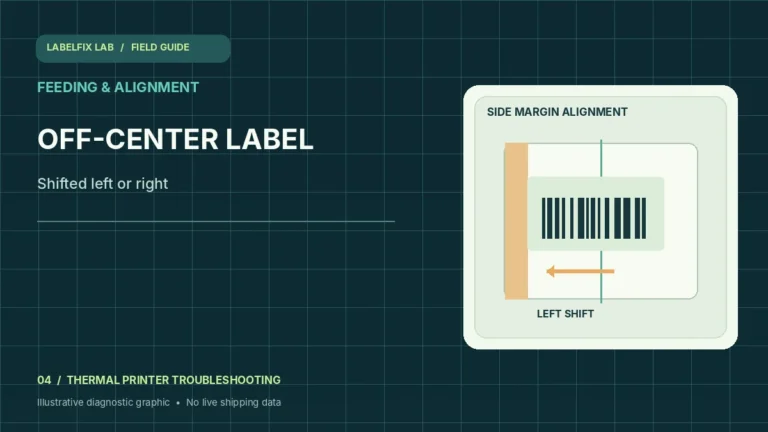
Shipping label printing off-center or shifted left and right? Check label width, print margins, driver offsets, alignment guides and source…
Read the guideLabelFix Lab / Topic library
Fix thermal label printers that skip stickers, feed continuously, show Paper Out with a roll loaded, jam, cut in the wrong place, or place content off-center. Start with the visible symptom and inspect the actual label stock, gap or black-mark sensing, driver dimensions and supported calibration. The guides focus on controlled tests and safe media handling so you can avoid unnecessary resets, wasted rolls and damaged shipping barcodes.
Articles in this topic
Shipping label printing off-center or shifted left and right? Check label width, print margins, driver offsets, alignment guides and source…
Read the guide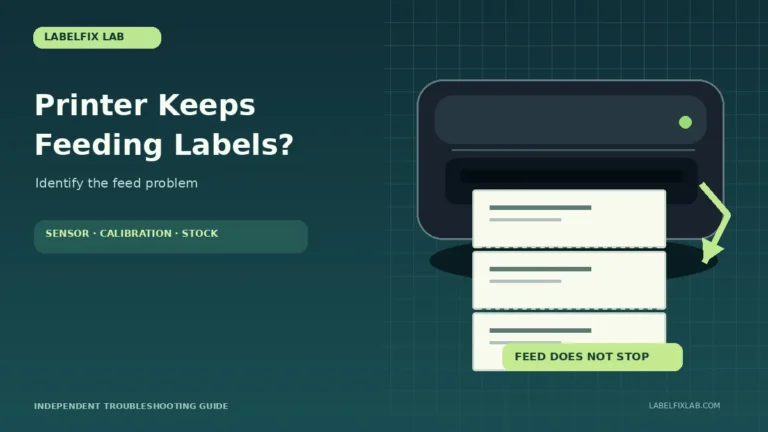
Is your thermal printer feeding labels nonstop? Isolate a stuck feed command, gap/black-mark sensing issue, incorrect stock mode, calibration or…
Read the guide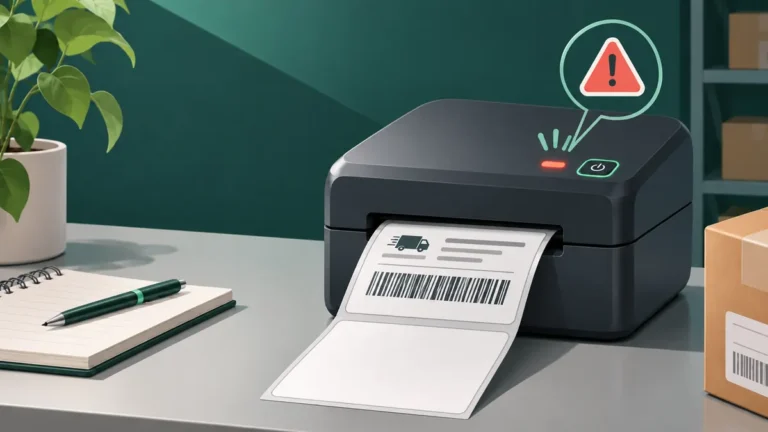
If the printer prints one label correctly but advances another blank label when the job finishes, isolate end-of-job feed settings,…
Read the guide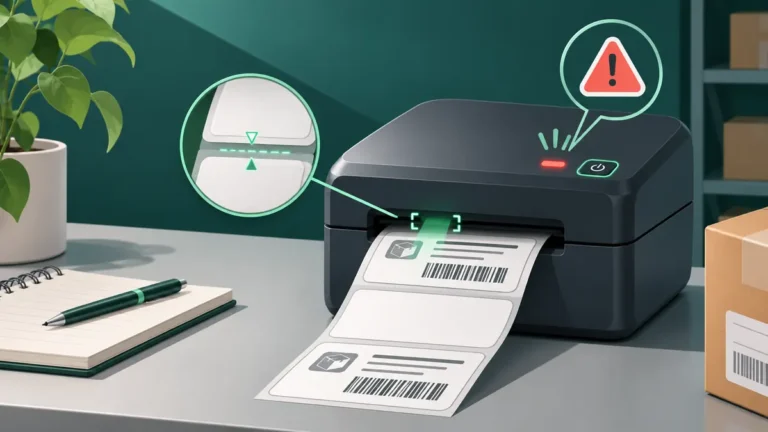
Stop every-other-label feed problems by checking stock dimensions, gap versus black-mark sensors, printer calibration and driver settings.
Read the guide