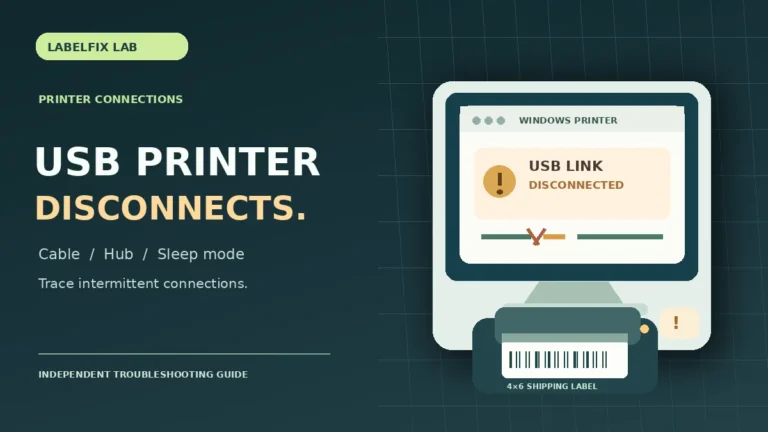
Thermal Label Printer Keeps Disconnecting from USB? Fix Intermittent Connection
Does your thermal printer repeatedly disconnect and reconnect over USB? Diagnose data cables, ports, hubs, sleep/wake behavior and device power…
Read the guideLabelFix Lab / Topic library
Need help connecting a thermal shipping-label printer? Explore troubleshooting guides for USB detection, printers stuck Offline, wrong drivers, printer-language errors, and jobs that never reach the device. Start by checking whether the printer’s built-in test prints correctly, then choose the symptom that matches your Windows print queue or USB connection. Each guide separates connection, software, and label-printing issues so you can avoid unnecessary resets or hardware replacement.
Articles in this topic
Does your thermal printer repeatedly disconnect and reconnect over USB? Diagnose data cables, ports, hubs, sleep/wake behavior and device power…
Read the guide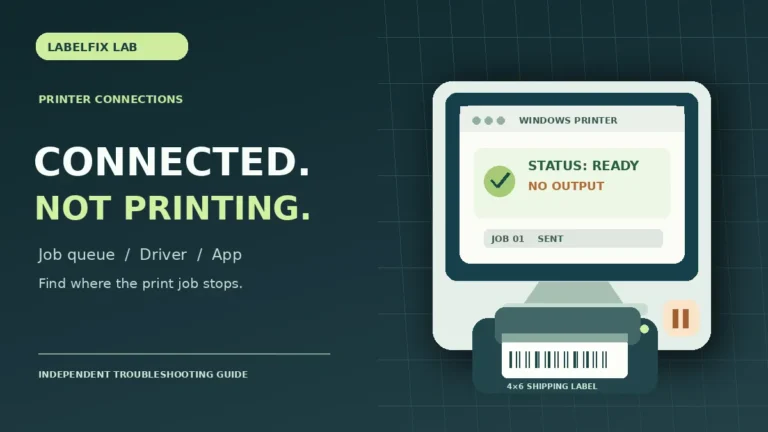
Your thermal label printer is visible and connected but nothing prints? Distinguish a stalled queue, wrong app selection, driver mismatch…
Read the guide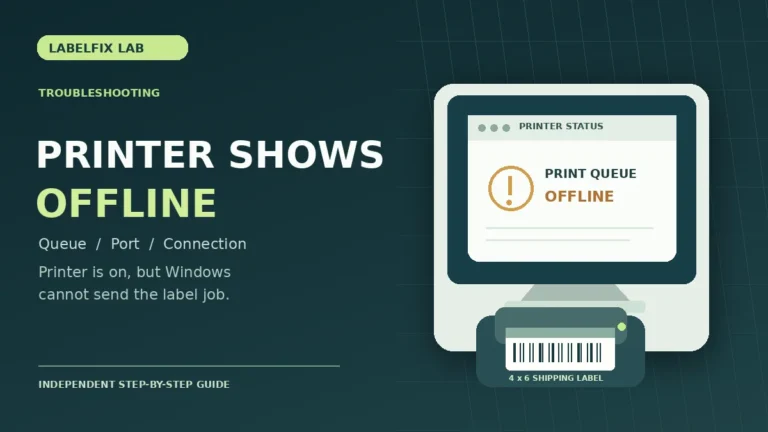
Your thermal label printer appears Offline even when powered on? Check the print queue, device port, USB or network connection…
Read the guide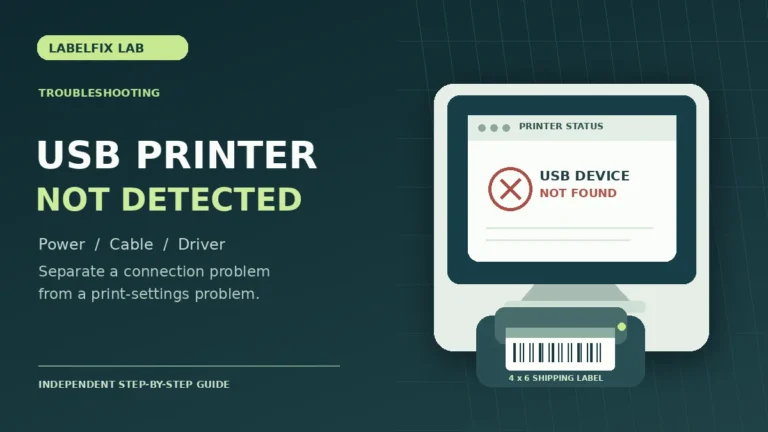
Windows cannot find your USB thermal label printer? Diagnose power, cables, Device Manager, printer drivers and print queues before reinstalling…
Read the guide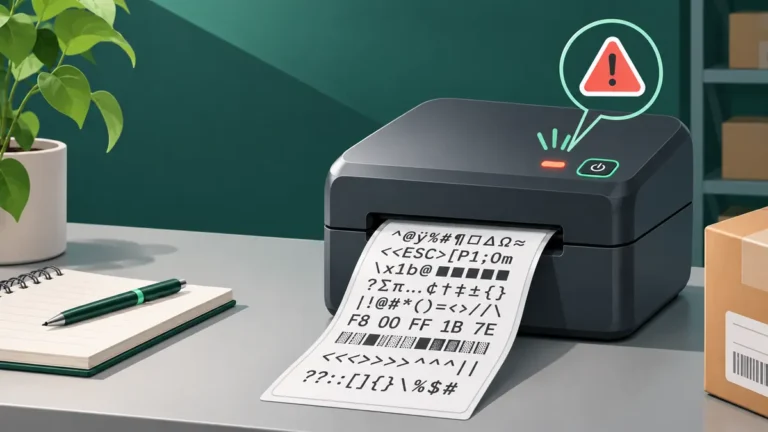
If a thermal printer prints code-like symbols or random characters instead of a label, isolate print language mismatches, incorrect drivers…
Read the guide