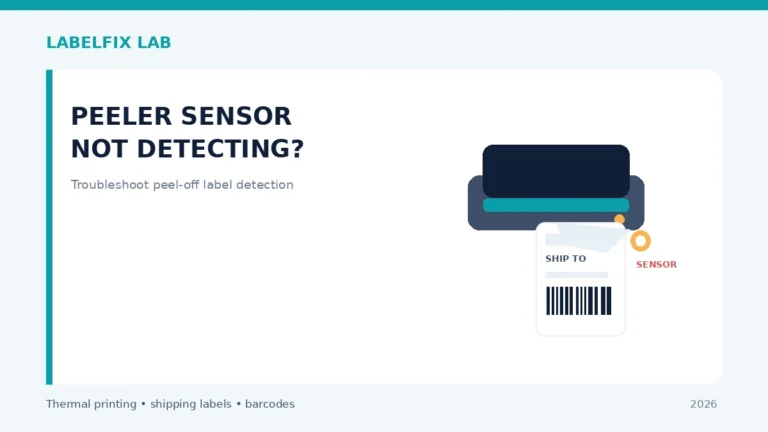
Thermal Label Printer Peeler Sensor Not Detecting Removed Labels?
Peeler-equipped thermal printer stops waiting for label removal? Diagnose peel mode, label-taken sensor, backing path and supported media.
Read the guideLabelFix Lab / Topic library
Articles in this topic
Peeler-equipped thermal printer stops waiting for label removal? Diagnose peel mode, label-taken sensor, backing path and supported media.
Read the guide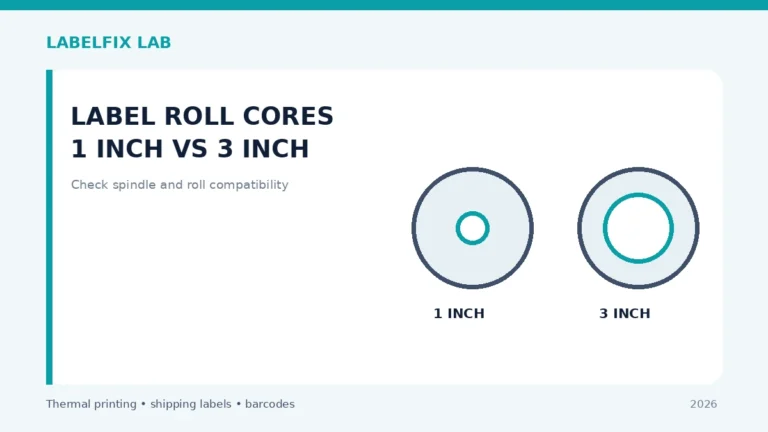
Label roll won't fit your thermal printer? Compare 1-inch and 3-inch cores, spindle compatibility, outside diameter and label width.
Read the guide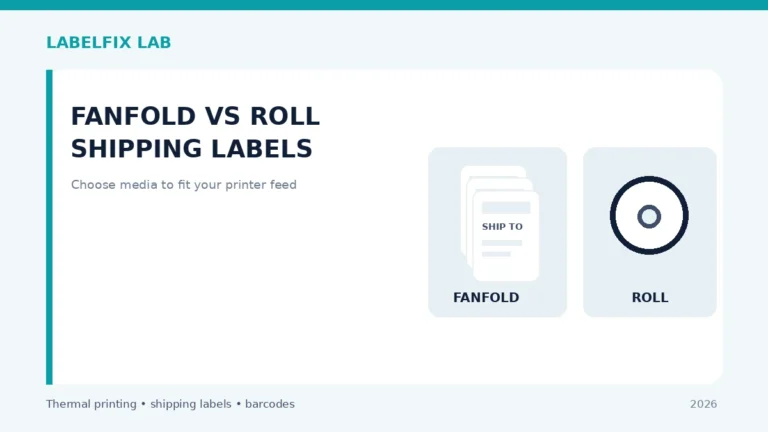
Compare fanfold and roll shipping labels by printer feed path, core size, capacity, guides, storage, jams and 4x6 compatibility.
Read the guide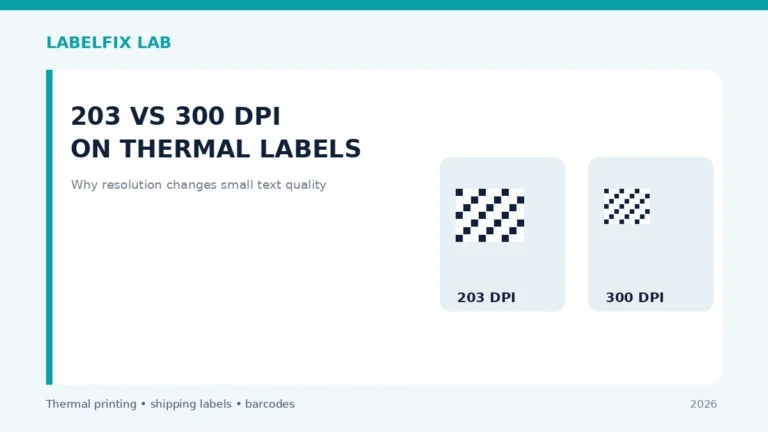
Compare 203 and 300 DPI thermal printers for 4x6 shipping labels, small text, barcode clarity, print speed and supported media.
Read the guide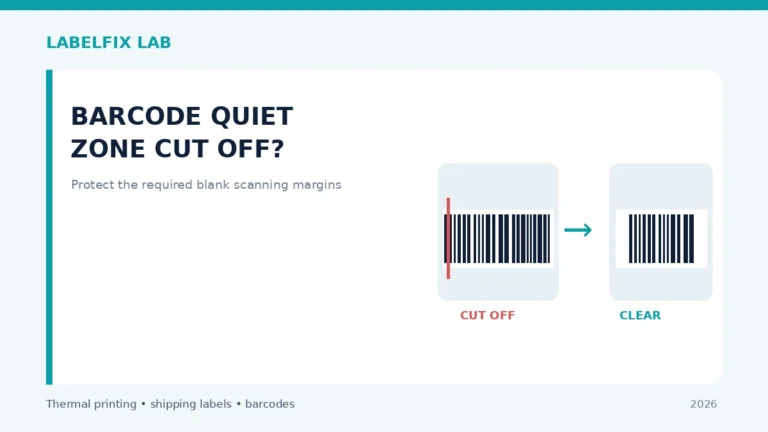
Shipping barcode too close to label edge? Learn what a quiet zone does and diagnose cropping, PDF margins, scaling and…
Read the guide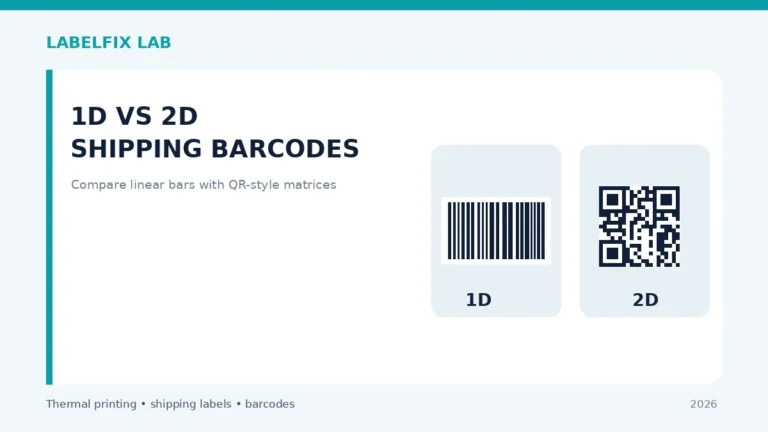
Understand 1D vs 2D barcodes on shipping labels, scanner compatibility, print quality and why carrier-generated symbols should not be replaced.
Read the guide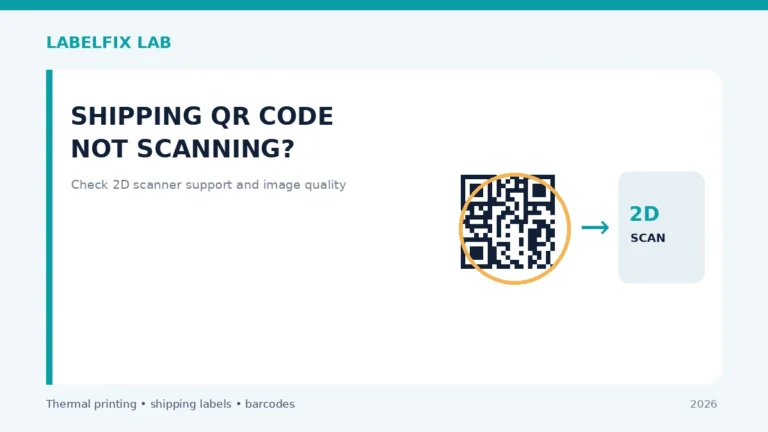
QR code on a shipping label won't scan? Check 2D scanner support, contrast, print size, cropping and the carrier's original…
Read the guide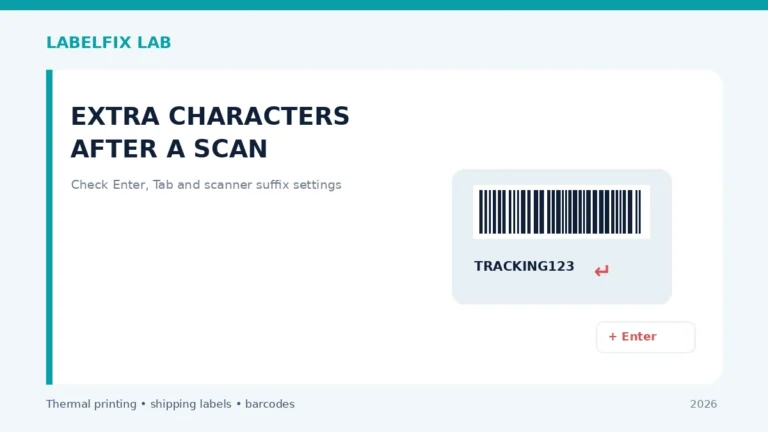
Barcode scanner adds Enter, Tab, prefixes or wrong tracking digits? Diagnose suffix settings, keyboard layout, app field behavior and scanner…
Read the guide
Scanner beeps but no tracking number appears? Check text-field focus, USB HID mode, app input, Bluetooth connection and supported barcode…
Read the guide
Thermal label printer pauses or stops during long print runs? Check documented overheat indicators, duty cycle, ventilation, power and media.
Read the guide