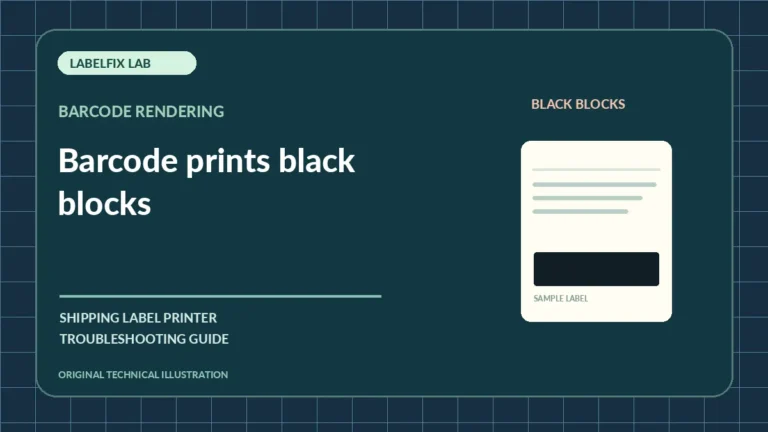
Barcode Prints as Black Squares? Fix Shipping Label PDF Output
Shipping barcode prints as solid black squares or blocks? Check PDF rendering, print density, graphics conversion and correct printer driver.
Read the guideLabelFix Lab / Topic library
Articles in this topic
Shipping barcode prints as solid black squares or blocks? Check PDF rendering, print density, graphics conversion and correct printer driver.
Read the guide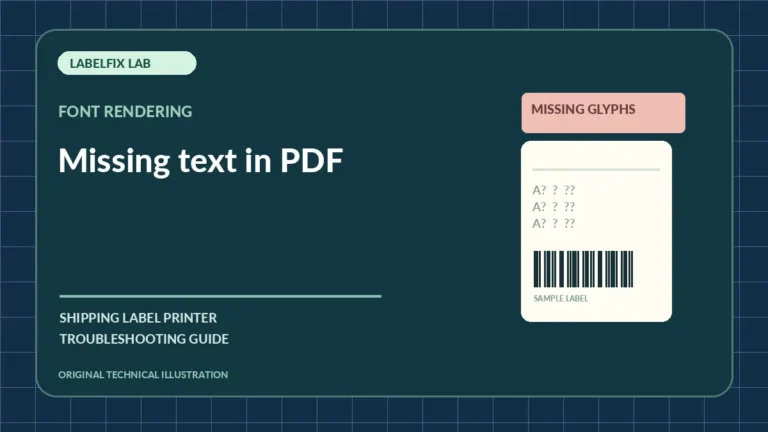
Shipping label PDF missing address text or printing only a barcode? Compare the source file, embedded fonts, viewer rendering and…
Read the guide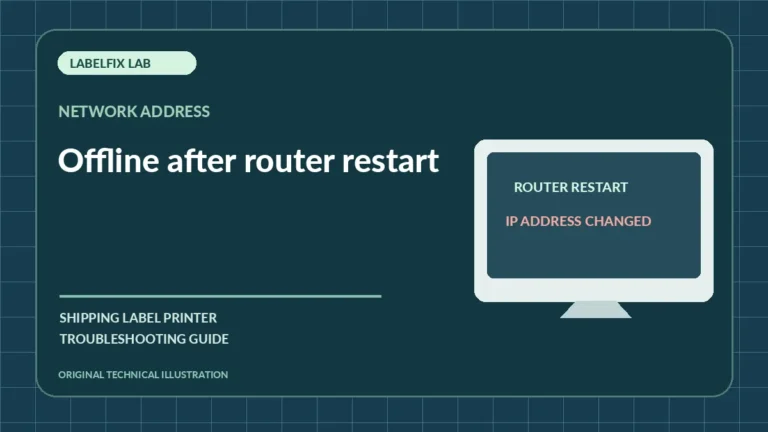
Ethernet or Wi-Fi label printer offline after router restart? Diagnose changed IP addresses, stale print ports, host names and network…
Read the guide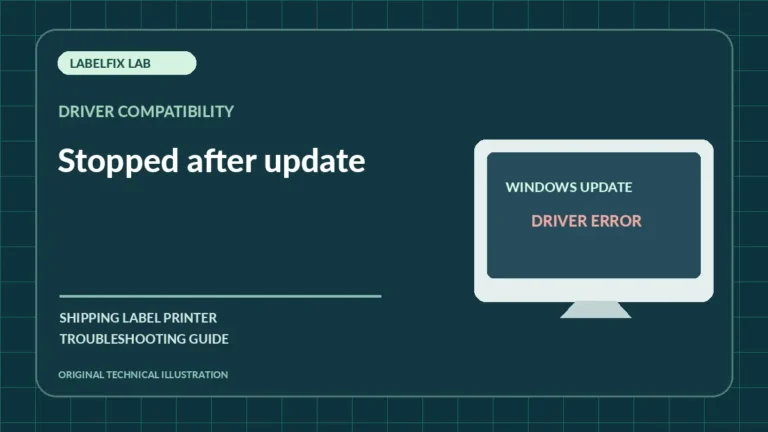
Thermal label printer stopped working after a Windows update? Check changed printer ports, queue defaults, driver compatibility and rollback guidance.
Read the guide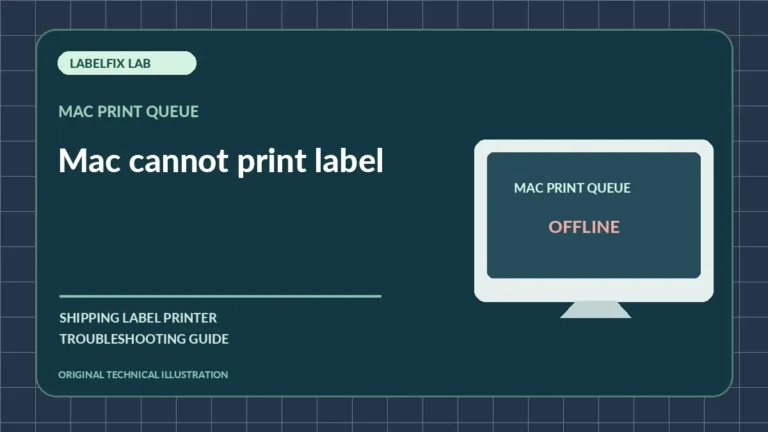
Thermal label printer not printing from a Mac? Diagnose USB/network detection, supported macOS drivers, CUPS queues and 4x6 PDF print…
Read the guide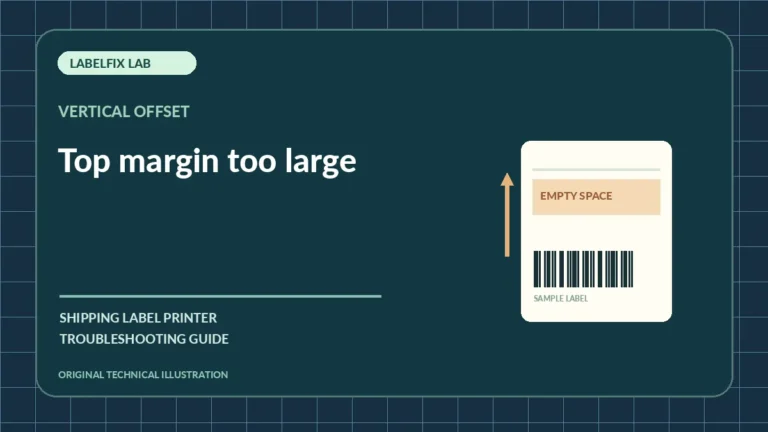
Thermal shipping label has a huge top margin or starts too low? Check top-of-form, vertical offset, page boxes and gap…
Read the guide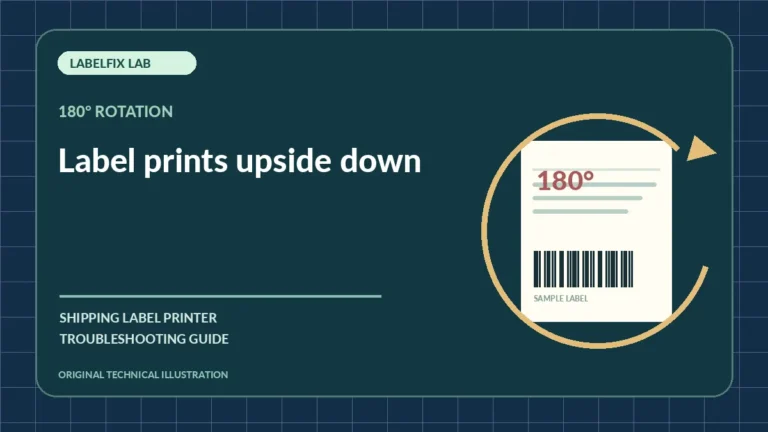
4x6 shipping labels printing upside down? Separate 180-degree PDF rotation from page orientation, roll direction, printer driver and application settings.
Read the guide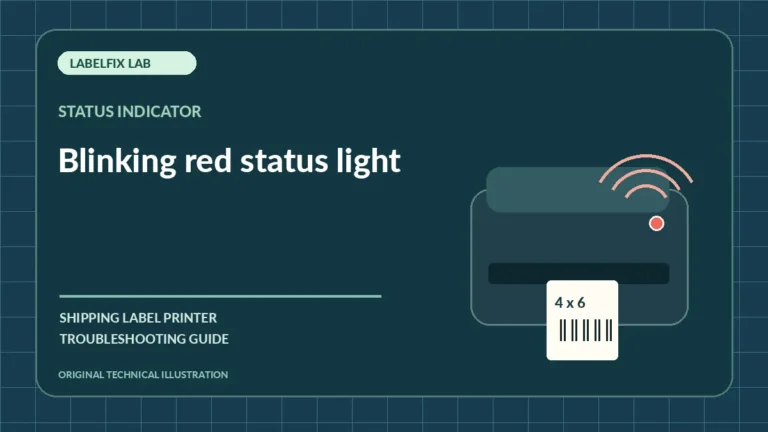
Thermal label printer flashing a red status light? Identify media, cover, ribbon, calibration and connection errors before resetting the printer.
Read the guide
4x6 shipping PDF too small or clipped when printing from Android or iPhone? Check supported mobile app, print preview, PDF…
Read the guide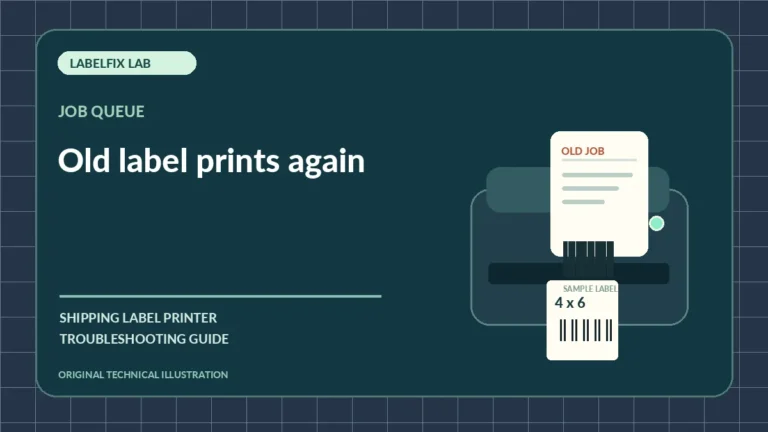
Printer repeats an old shipment label? Diagnose duplicate print requests, saved queues, app retries, printer buffers and job handling safely.
Read the guide