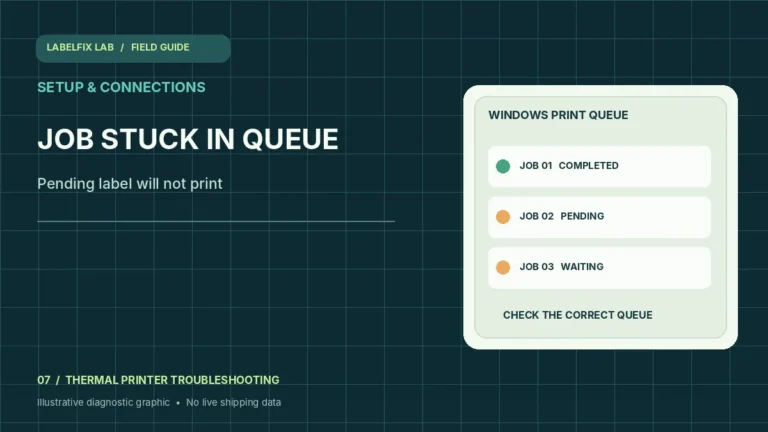
Thermal Printer Print Job Stuck in Windows Queue? Fix Pending Labels
Shipping label job stuck in the Windows print queue? Diagnose paused jobs, wrong ports, offline states and printer communication without…
Read the guideLabelFix Lab / Topic library
Troubleshoot thermal shipping-label printers that Windows or macOS cannot detect, appear Offline, stop printing despite being connected, lose USB or network access, or fail after a driver update. Find symptom-specific checks for print queues, official drivers, USB cables, Wi-Fi and Bluetooth compatibility. Start with your printer’s built-in test to distinguish device faults from host software, then make one reversible change at a time without disabling security protections or risking duplicate shipping labels.
Articles in this topic
Shipping label job stuck in the Windows print queue? Diagnose paused jobs, wrong ports, offline states and printer communication without…
Read the guide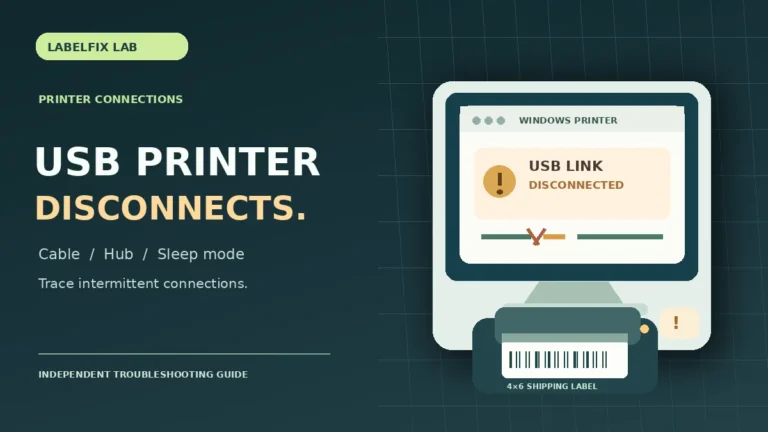
Does your thermal printer repeatedly disconnect and reconnect over USB? Diagnose data cables, ports, hubs, sleep/wake behavior and device power…
Read the guide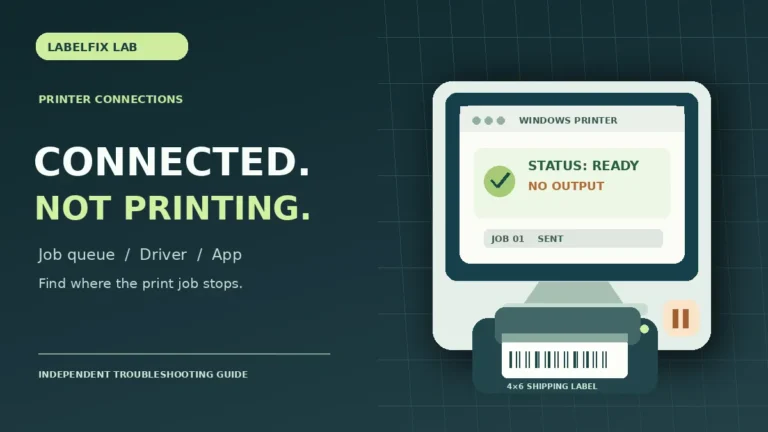
Your thermal label printer is visible and connected but nothing prints? Distinguish a stalled queue, wrong app selection, driver mismatch…
Read the guide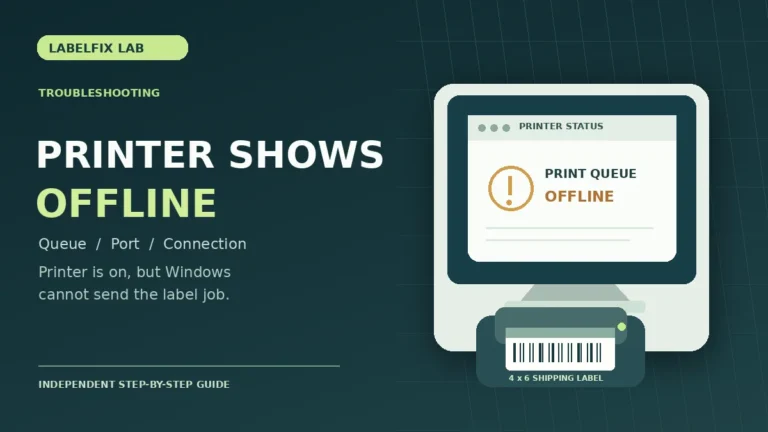
Your thermal label printer appears Offline even when powered on? Check the print queue, device port, USB or network connection…
Read the guide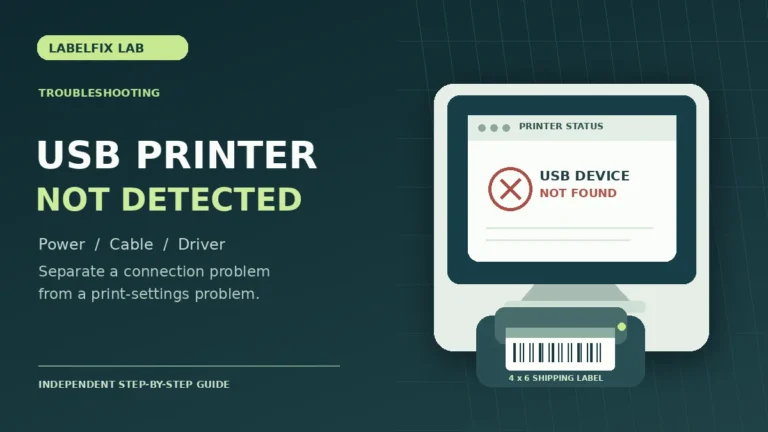
Windows cannot find your USB thermal label printer? Diagnose power, cables, Device Manager, printer drivers and print queues before reinstalling…
Read the guide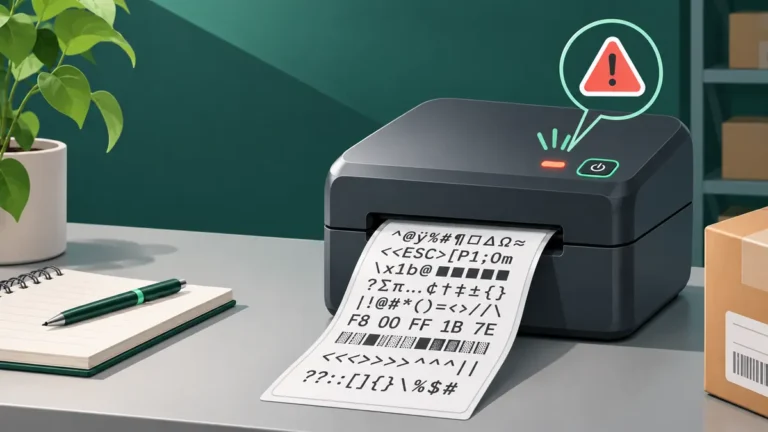
If a thermal printer prints code-like symbols or random characters instead of a label, isolate print language mismatches, incorrect drivers…
Read the guide