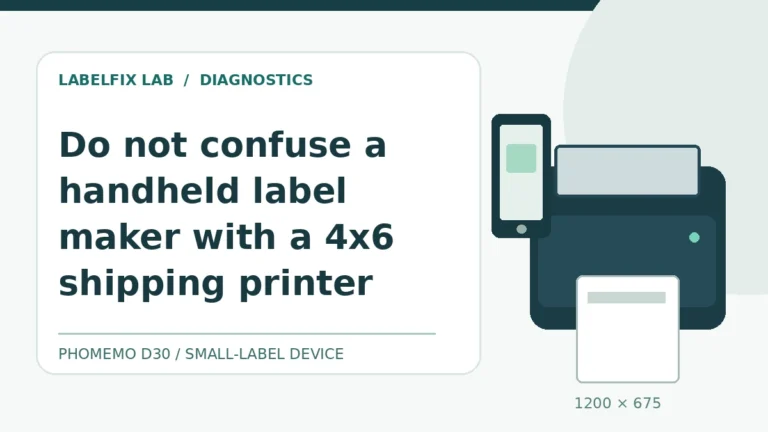
Phomemo D30 Troubleshooting: Pairing, Blank Labels, and App Printing
Phomemo D30 not connecting or printing? Isolate app permissions, Bluetooth discovery, label material, and feed errors.
Read the guideLabelFix Lab / Topic library
Troubleshoot thermal shipping-label printers that Windows or macOS cannot detect, appear Offline, stop printing despite being connected, lose USB or network access, or fail after a driver update. Find symptom-specific checks for print queues, official drivers, USB cables, Wi-Fi and Bluetooth compatibility. Start with your printer’s built-in test to distinguish device faults from host software, then make one reversible change at a time without disabling security protections or risking duplicate shipping labels.
Articles in this topic
Phomemo D30 not connecting or printing? Isolate app permissions, Bluetooth discovery, label material, and feed errors.
Read the guide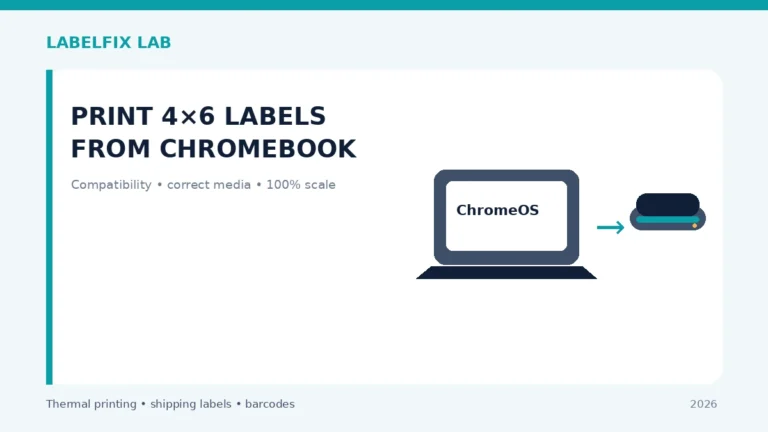
Can a Chromebook print 4x6 shipping labels? Check ChromeOS printer compatibility, USB or network support, PDF page size and vendor…
Read the guide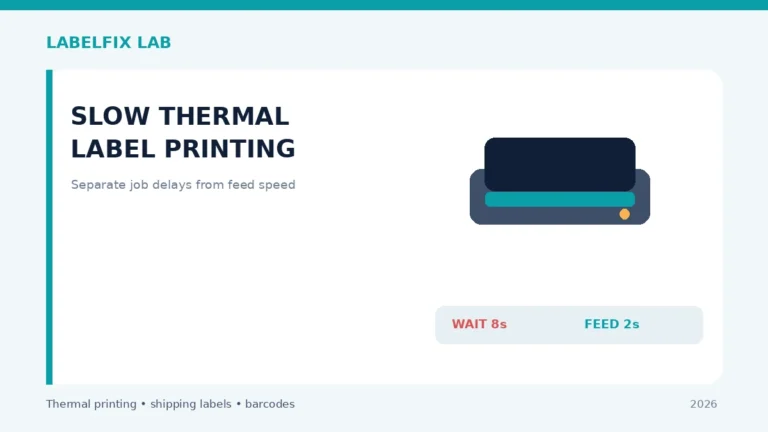
Thermal label printer suddenly slow? Compare device speed, graphics rendering, print queue, USB/network connection and supported printer settings.
Read the guide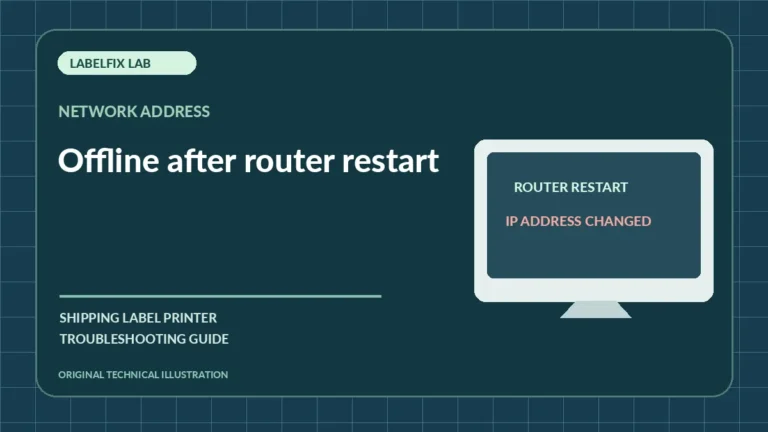
Ethernet or Wi-Fi label printer offline after router restart? Diagnose changed IP addresses, stale print ports, host names and network…
Read the guide
Thermal label printer stopped working after a Windows update? Check changed printer ports, queue defaults, driver compatibility and rollback guidance.
Read the guide
Thermal label printer not printing from a Mac? Diagnose USB/network detection, supported macOS drivers, CUPS queues and 4x6 PDF print…
Read the guide
Thermal label printer flashing a red status light? Identify media, cover, ribbon, calibration and connection errors before resetting the printer.
Read the guide
Printer repeats an old shipment label? Diagnose duplicate print requests, saved queues, app retries, printer buffers and job handling safely.
Read the guide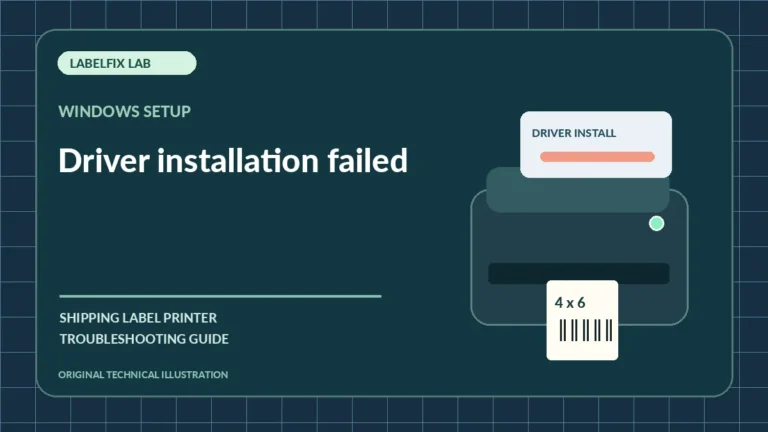
Windows 11 thermal printer driver won't install? Check official package compatibility, USB timing, architecture, permissions and the exact error safely.
Read the guide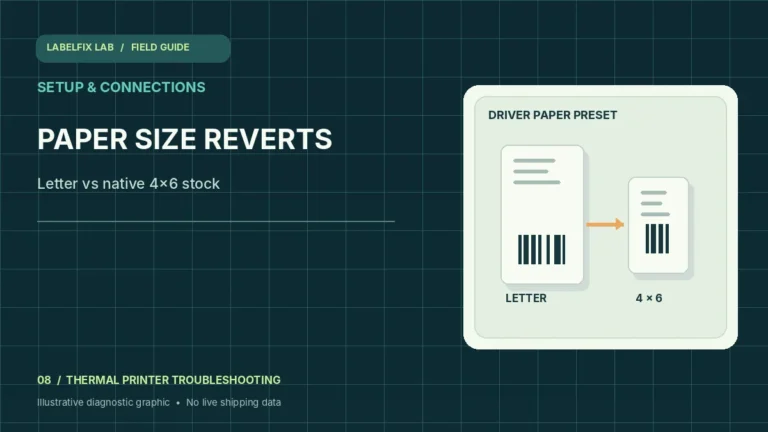
Windows keeps changing a thermal printer from 4x6 to Letter? Check app print presets, driver defaults and stock-size settings without…
Read the guide