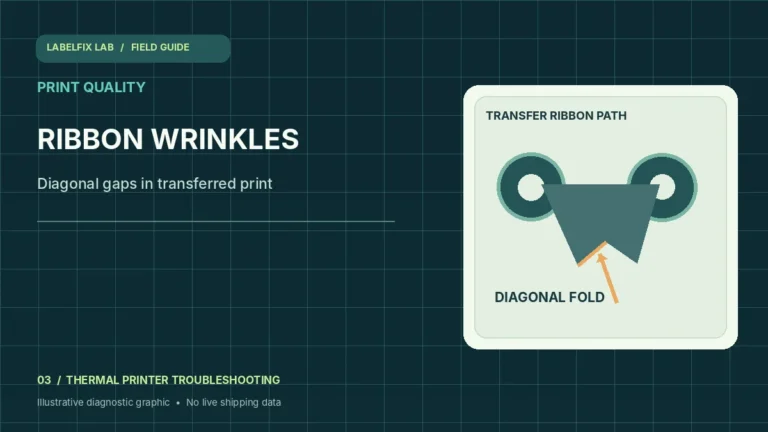
Thermal Transfer Ribbon Wrinkling? Stop Diagonal Print Gaps
Thermal-transfer ribbon wrinkling or making diagonal print gaps? Check ribbon orientation, media compatibility, roll path and approved tension settings.
Read the guideLabelFix Lab / Topic library
Improve thermal shipping-label print quality when labels appear blank, faded, unusually dark, striped, ghosted, smudged or damaged after exposure. These guides help separate original PDF artwork from media compatibility, thermal energy settings, printhead contact and ribbon issues. Compare a manufacturer-generated test with a shipping PDF, follow approved cleaning procedures, and inspect barcode clarity before mailing any package.
Articles in this topic
Thermal-transfer ribbon wrinkling or making diagonal print gaps? Check ribbon orientation, media compatibility, roll path and approved tension settings.
Read the guide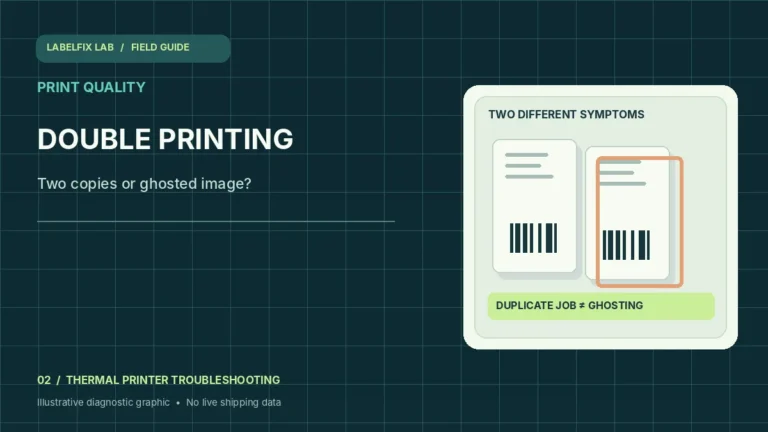
Thermal printer duplicating labels or leaving ghost images? Distinguish repeated print jobs, overlapping feed, ribbon issues and printer maintenance.
Read the guide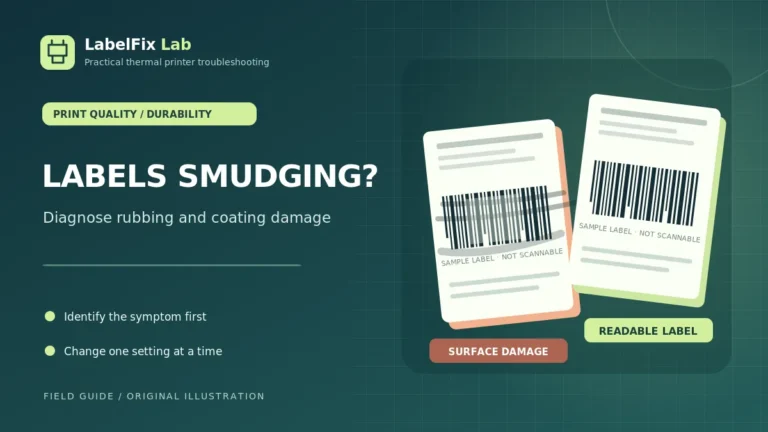
Thermal shipping labels smudging, rubbing off or turning dark when handled? Learn to separate direct-thermal coating damage from ribbon transfer,…
Read the guide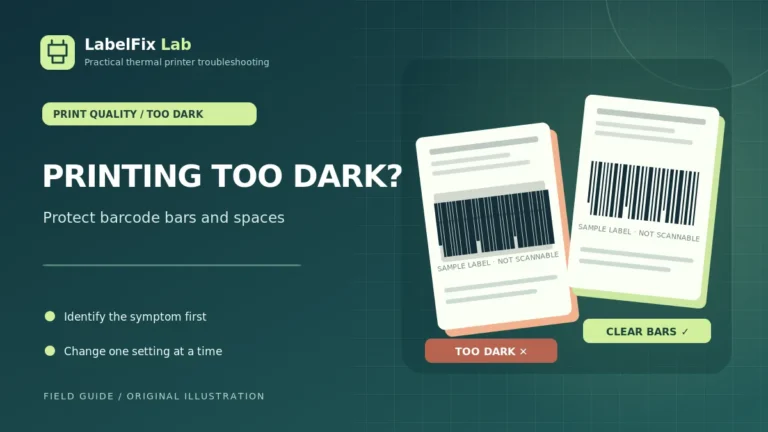
Thermal shipping labels printing too dark? Diagnose excessive heat or speed, merged barcode bars, unsuitable media, printhead buildup and driver…
Read the guide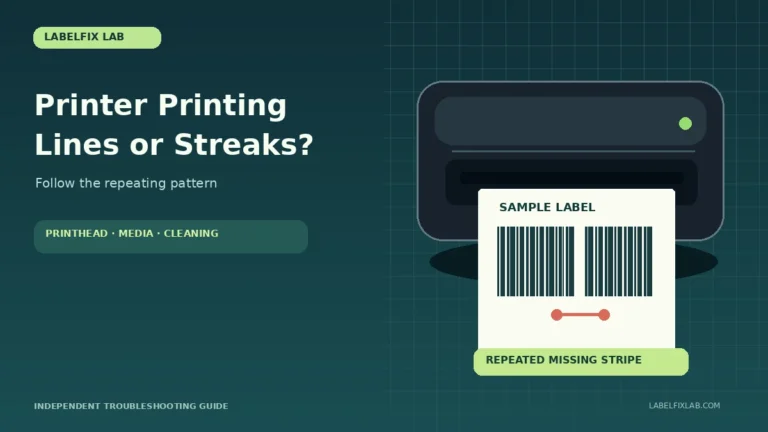
Dark streaks or missing lines on thermal labels? Diagnose vertical stripes, horizontal banding, printhead residue, media quality and artwork problems.
Read the guide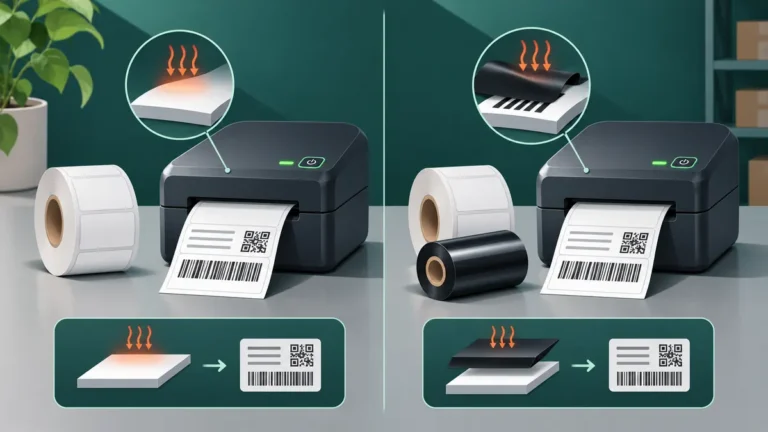
Learn the difference between direct thermal and thermal transfer labels, how to identify your printer's print method, and why the…
Read the guide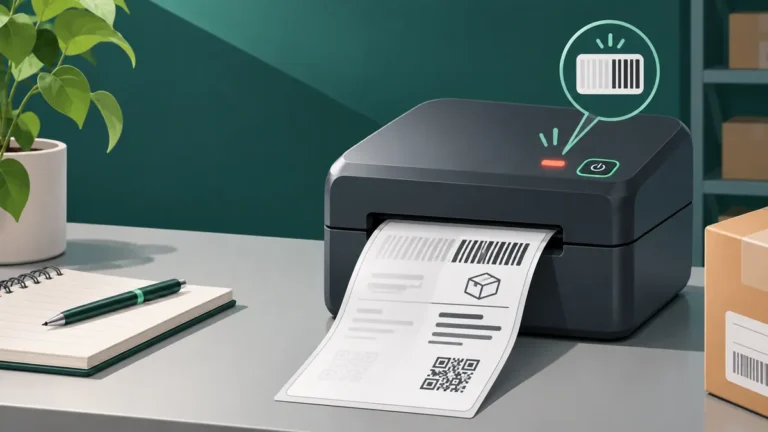
Uneven darkness on the left or right side of a thermal label can point to stock loading, pressure, printhead residue…
Read the guide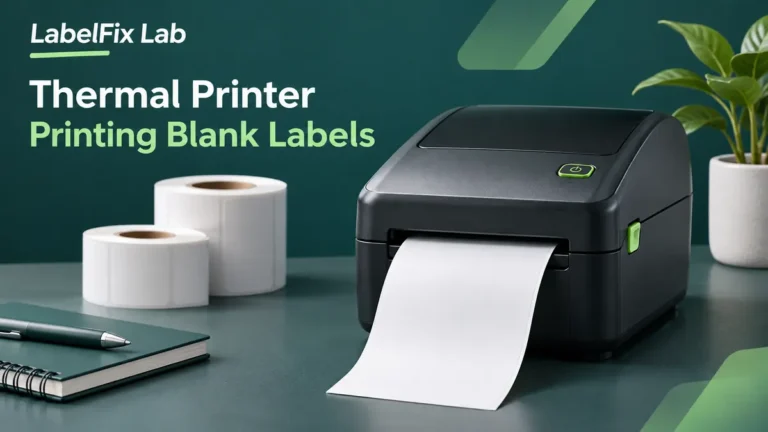
Use these nine checks to isolate blank thermal label printing—from media orientation and print mode to self-tests, driver settings, and…
Read the guide