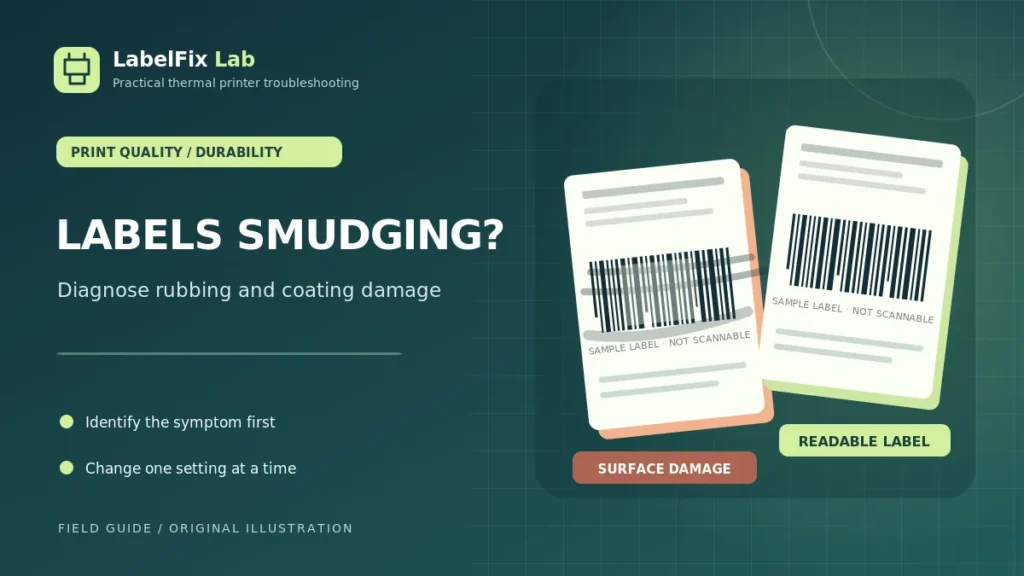
A shipping label that looked readable when printed can become a problem if black marks rub away, the surface smudges, or the barcode becomes damaged during handling. The right diagnosis depends on how the image was made: a direct-thermal coating reacts to heat, while a thermal-transfer system deposits an image through a ribbon. A smudge does not necessarily mean your printer’s heat setting is wrong.
Which kind of smudge or damage do you see?
| Symptom | What to investigate first |
|---|---|
| Unprinted white areas turn gray or black when rubbed | Heat-sensitive direct-thermal surface or friction exposure |
| Dark text physically rubs away from the label | Ribbon and face-stock compatibility, surface adhesion |
| Printing looks fuzzy the moment it leaves the machine | Original file, print settings, speed, printhead contact |
| Label darkens after warm storage or sunlight | Coating, storage temperature and light sensitivity |
| Barcode gets scratched or damaged after application | Handling, abrasion, packaging conditions, label durability |
These outcomes overlap in some products. Use the actual media specification and manufacturer’s recommended tests rather than diagnosing solely by appearance.
1. Identify whether you are using direct thermal or thermal transfer
Direct-thermal labels typically form a dark image when the coated surface is heated. They don’t need an ink cartridge or transfer ribbon. Because the image-forming coating is sensitive to its environment, some direct-thermal media can discolor from heat, light, friction or chemical contact.
Thermal-transfer labels require a compatible ribbon and stock combination, and the transferred image’s resistance depends on the chosen materials. Not all thermal-transfer ribbons have the same adhesion or durability. See our comparison of the two technologies to understand the difference before adjusting settings.
2. Inspect the label roll and its storage conditions
Check the manufacturer’s temperature, humidity, light and shelf-life guidance for the exact label product. Avoid storing unprotected thermal rolls near heat sources or in direct sunlight when the stock’s specification warns against it. New rolls from different suppliers may respond differently even if their dimensions match.
If the issue occurs only with one batch or roll, compare a known-good approved roll under similar printing and handling conditions. Keep the test controlled so you don’t blame the machine for a material difference.
3. Separate rubbing from liquid or chemical exposure
Observe whether the label changes after dry contact, moisture, cleaning products, oils or packaging adhesives. Some thermal coatings respond to chemicals; others are designed to resist particular exposures. Do not assume a label labeled “water resistant” is also resistant to alcohol, oils or strong rubbing.
For a real parcel, keep tracking and routing data fully readable. If the barcode has been compromised, reprint the shipping platform’s original label rather than attempting to patch individual bars.
4. Check darkness and print speed without overcorrecting
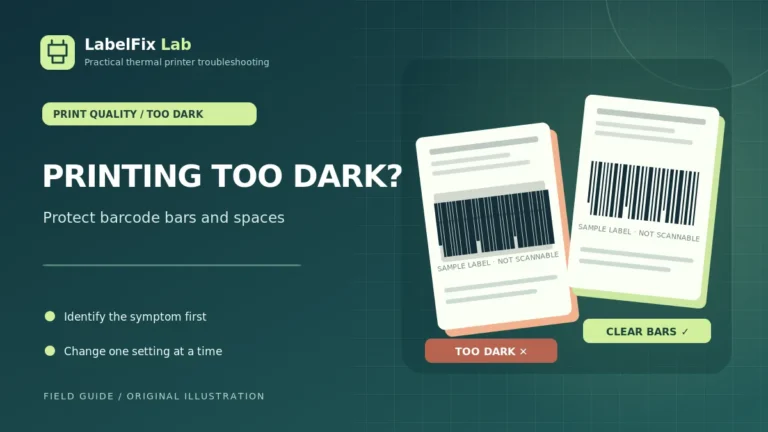
Too much printing energy can alter barcode edges or make certain stock appear too dark. Too little may leave weak, incomplete images. If the freshly printed output already looks smeared, record the current darkness and speed, then test within the manufacturer-approved range using one variable at a time.
Our guide to a thermal printer printing too dark explains how to assess merged barcode bars and heat settings. That article addresses excessive darkness during printing; this guide focuses on image damage during and after handling.
5. For thermal-transfer systems, check ribbon compatibility
Ribbon coating and label face material have to work together. A transfer formulation suitable for one paper label may perform differently on a synthetic or coated surface. Review the ribbon and stock compatibility documentation and the expected storage and handling conditions.
A successful print immediately after production is not enough to establish long-term durability. If durability matters for your workflow, use the supplier’s recommended test methods instead of an arbitrary rub test.
6. Use a built-in test label to isolate PDF rendering issues
Print a manufacturer-generated configuration or test label, then a supported shipping PDF using the same stock. If both immediately appear smudged, investigate media and printhead contact rather than assuming a browser PDF problem. If only one exported file appears fuzzy, examine that original document.
Barcodes from enlarged screenshots can contain blurred edges before the printer receives the job. Re-download an original carrier file rather than building tracking codes from screenshots. The 4×6 PDF Size Checker can confirm page dimensions but does not measure print abrasion or barcode grade.
7. Clean and inspect approved surfaces safely
Adhesive buildup, debris and inappropriate cleaning products can affect the media path. Shut down and cool the printer as the manufacturer instructs, then follow its specified cleaning procedure. Do not use sharp tools to scrape the printhead, pour solvents into the printer, or dismantle an energized device.
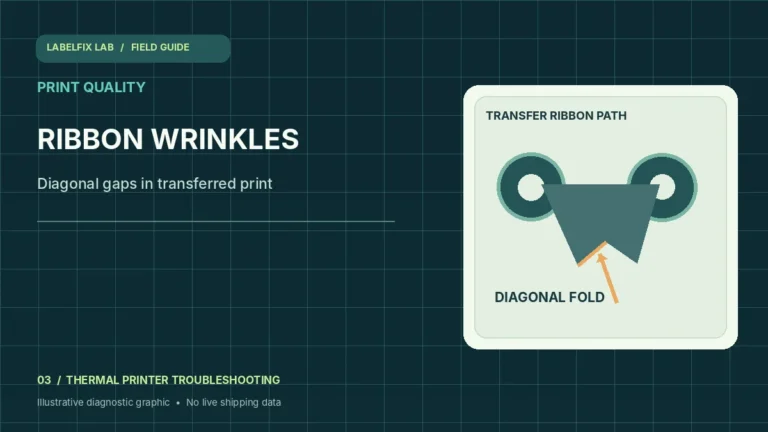
If a white stripe repeatedly appears at the same location in the printed image, that may be a separate mechanical or heating-element issue. Our thermal printer lines and streaks guide describes a repeatable-defect test.
8. Protect the label without obscuring barcodes
Choose label stock that meets the shipping workflow’s durability requirements, including anticipated heat, moisture, handling and transit time. Do not cover barcodes with unknown films, cloudy tape or materials that the carrier has not approved. Some coverings can reflect scanner light or damage the coating and make labels harder to scan.
For parcels exposed to unusually demanding conditions, consult the carrier and media manufacturer about approved stock or an appropriate printing technology.
9. Run a repeatable durability comparison
- Collect two compatible, unused sample labels from the same roll.
- Print a supported test using recorded settings.
- Observe the initial result under ordinary lighting.
- Perform only the supplier-recommended handling or exposure test.
- Inspect changes to text, barcode bars and blank surrounding margins.
- Keep notes about media, ribbon where applicable, settings, and conditions.
Do not test by damaging a real shipment’s only valid label. Produce controlled test copies and dispose of them securely, particularly when they contain real customer or tracking information.
When should you replace a damaged shipping label?
Reprint whenever the tracking barcode, address, routing marks or other required information becomes obscured, incomplete or unreliable. A label that is partly readable to a human may not satisfy automated carrier-scanning requirements. Check our barcode troubleshooting guide if your issue is a failed scan rather than surface damage alone.
Frequently asked questions
Why does a direct-thermal shipping label turn dark when rubbed?
Friction or heat may affect some thermal coatings. The response varies by label product, so review the actual stock specification before assuming the printer has failed.
Why does thermal-transfer printing rub off?
An incompatible ribbon/face-stock combination or unsuitable transfer settings can contribute. Compare the exact media and ribbon specifications and the manufacturer’s recommended test method.
Does increasing darkness prevent smudging?
Not necessarily. Excessive heat can degrade barcode edge definition, while rubbing or chemical damage may be a stock-durability problem rather than inadequate darkness.
Can I laminate or tape over a shipping barcode?
Follow the carrier’s published label and covering requirements. Avoid films or tape that make the symbol reflective, distorted or less readable.
Editorial note: Durability depends on specific media, ribbon, storage and handling conditions; this article explains general diagnostic checks, not certified material testing.
Independent general troubleshooting information for shipping labels and thermal printers. Model-specific button sequences, cleaning supplies and service instructions can differ; consult your manufacturer's official documentation. Never alter a carrier-generated barcode.