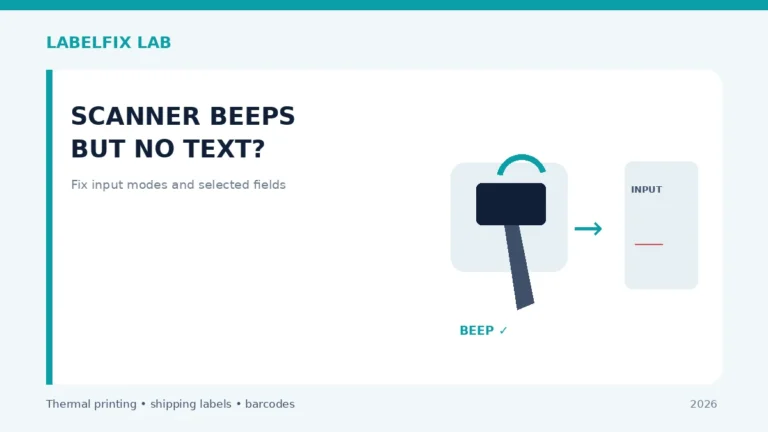
Barcode Scanner Beeps but Does Not Type Tracking Number? Fix Input
Scanner beeps but no tracking number appears? Check text-field focus, USB HID mode, app input, Bluetooth connection and supported barcode…
Read the guideLabelFix Lab / Topic library
Troubleshoot shipping-label barcodes that look correct but fail to scan, print with blurry edges, or turn into black blocks. Start by comparing the original carrier PDF with the printed result, then check scaling, thermal darkness, label stock and barcode quiet zones. These guides explain how to separate a document problem from printer output and scanner compatibility. Always reprint damaged tracking symbols from the shipping provider’s original file rather than rebuilding a barcode by hand.
Articles in this topic
Scanner beeps but no tracking number appears? Check text-field focus, USB HID mode, app input, Bluetooth connection and supported barcode…
Read the guide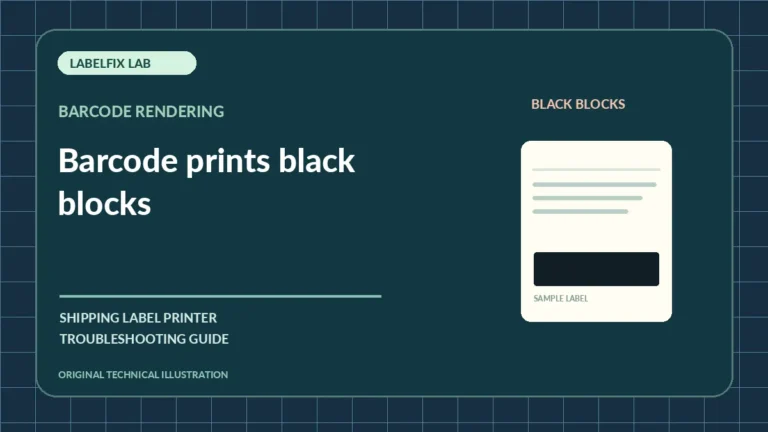
Shipping barcode prints as solid black squares or blocks? Check PDF rendering, print density, graphics conversion and correct printer driver.
Read the guide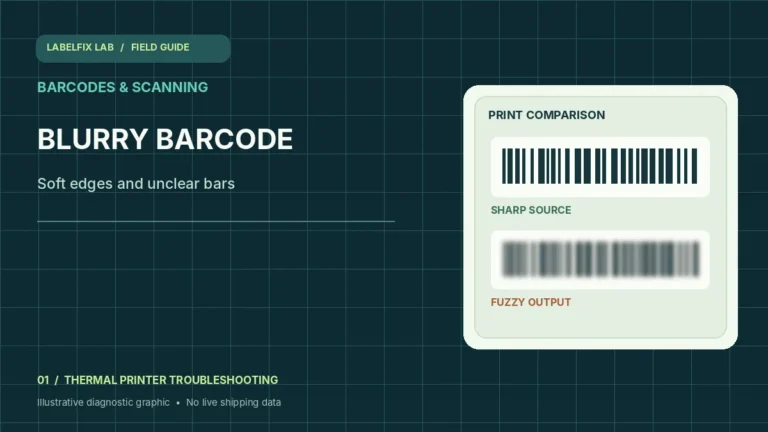
Blurry barcode from a thermal label printer? Check original PDF resolution, scaling, heat, speed and label stock before reprinting shipping…
Read the guide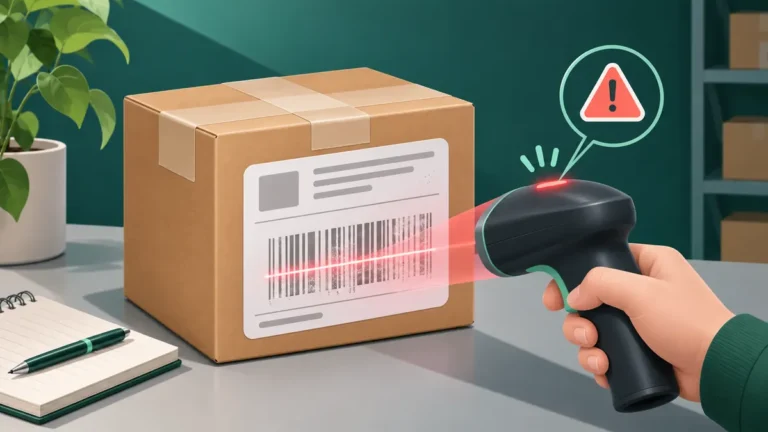
If a shipping barcode will not scan, inspect contrast, quiet zones, damaged bars, label sizing and printer output before replacing…
Read the guide