A shipping label can include long parallel bars, a compact square matrix, or several coded fields. These are not visual alternatives you can freely swap: one-dimensional (1D) and two-dimensional (2D) symbologies encode data differently and the carrier determines which symbols and formats a shipment requires. This comparison helps diagnose reader mismatch without promising any particular carrier’s specification.
Before changing settings: Use a non-live sample, record the exact hardware and software versions, and keep real tracking numbers and customer details out of screenshots shared publicly.
Symptoms and what they suggest
| What happens | First direction to investigate |
|---|---|
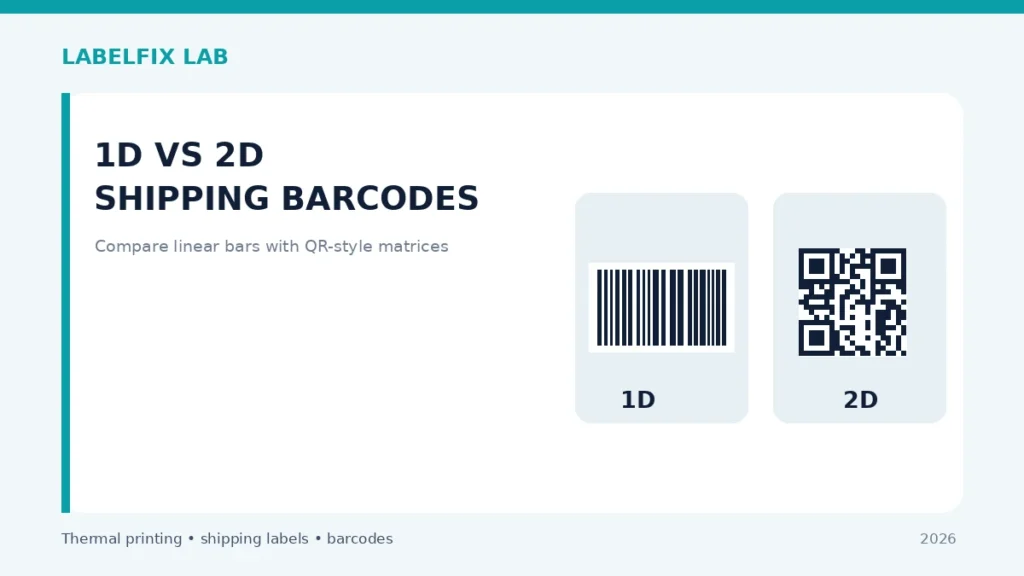
| Long vertical bars in one horizontal symbol | Typically a 1D linear barcode |
| Square or rectangular grid of modules | A 2D matrix-type symbol may be present |
| Older scanner reads stripes but ignores square code | Check imager and enabled symbology support |
| Both code types print too small | Source PDF and scaling issue, not necessarily scanner |
Step-by-step diagnostic checks
1. Understand what 1D means in practice
One-dimensional codes usually present varying bars and spaces read across a line. Examples include Code 128 and other linear formats. Their exact dimensions, quiet zones and encoded data depend on the symbology and carrier use. Do not assume a readable printed tracking number alone tells you what barcode content is encoded.
2. Understand what 2D means in practice
Two-dimensional codes use a matrix or stacked structure to represent data across two dimensions. QR Code and Data Matrix are examples, but not every square carrier mark is the same code. Scanner specifications list supported formats, not just a vague ‘2D compatible’ claim.
3. Choose a compatible reader before diagnosing paper
A scanner that decodes 1D lines may lack an imaging system or enabled format for a required 2D mark. Compare the official scanner model guide with the required symbology. Avoid relying only on whether it flashes or beeps: the host app must receive correct data.
4. Inspect source PDF geometry rather than a screenshot
Shipping platforms may generate vector-quality bars or embedded raster graphics. Keep the original file and its page size, using the local checker for dimension measurements. A screenshot enlarged to fit a label cannot recover fine modules lost at capture.
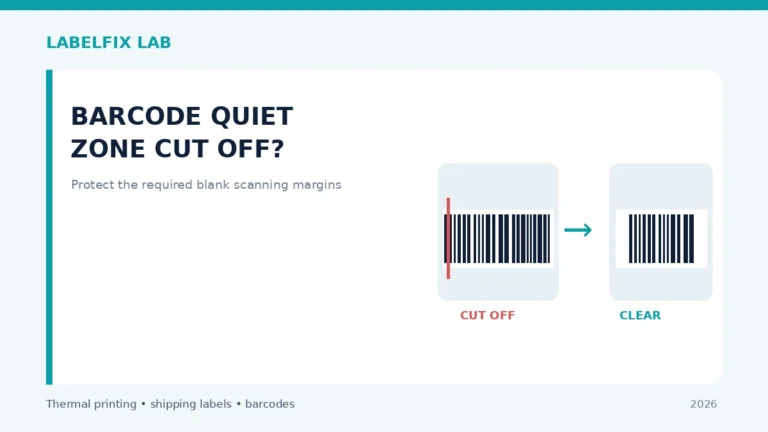
5. Preserve distinct quiet-zone and contrast requirements
Both families require readable separation between dark and light elements and suitable clear areas, but the exact thresholds and dimensions are specification-dependent. An image can appear sharp to a human yet fail an automated scanner.
6. Avoid substituting one symbol for another
Changing a linear barcode to a QR Code just because it scans on a phone can alter the type and data format expected by shipping infrastructure. Use the label issued by the carrier or approved shipping integration, including all required codes and text.
7. Run a two-stage test with non-live samples
First establish that your scanner reads a known-supported 1D and 2D sample. Second compare the exact carrier label with a compliant reader, inspecting both the digital file and the print. This separates device support from heat, scaling and source errors.
8. Document a failed warehouse workflow precisely
Record which symbol is failing, scanner model, enabled type if known, whether any data reaches the host, and whether the same code is readable in the original file. For no text input, see scanner input diagnosis.
How to interpret the results
Different barcode types require compatible readers and carrier-approved layouts. A 1D reader failing on a 2D mark does not establish a thermal printer fault, and a phone reading a QR Code does not authorize replacing a carrier’s linear code.
Verify before returning to production
Record what changed, test with the original supported document or test symbol and confirm the actual value received by the application. For a physical shipping label, inspect the whole barcode, address, routing marks and surrounding clear area. If the specific carrier or device manufacturer publishes requirements, those take priority over general guidance.
Worked example: a hypothetical diagnostic case
A shipping desk considers replacing several hand scanners because they reliably read long barcodes but ignore the square marks on newer labels. The first question is not whether the thermal printer is old, but which symbologies the scanners actually support and whether those formats are enabled. Use known-good, non-live linear and 2D samples to separate hardware support from a damaged print. Then check the carrier’s real label without changing its encoded data. A second scenario is a modern imager that reads both test samples but fails on a printed parcel label; that points toward source, scale, coating, contamination or placement rather than the basic 1D-versus-2D distinction.
What not to conclude from one test
Do not ‘upgrade’ a carrier barcode by recreating it in a different format. Two symbols may carry different fields, and the carrier may require both. Capability comparisons must use manufacturer specifications for the exact device.
For an accountable troubleshooting record, note the exact model, source document or sample, current interface and settings, the test performed, and which symptom changed. Keep production tracking numbers and customer information private. This is an illustrative case, not a claim of first-hand testing.
Frequently asked questions
Does 2D always replace 1D on shipping labels?
No. Carriers and workflows choose what data and formats are required, and some labels display multiple types.
Can a 2D imager read 1D codes?
Many can, but confirm supported symbologies in the exact model documentation.
Is a larger QR Code always better?
No. Size alone does not ensure correct content, quiet zones, contrast or carrier compliance.
Editorial note: This is independent, general troubleshooting advice, not a scanner certification or a claim that we tested every device. See our technical verification policy and consult the exact scanner and carrier documentation for model-specific steps.
Independent general troubleshooting information for shipping labels and thermal printers. Model-specific button sequences, cleaning supplies and service instructions can differ; consult your manufacturer's official documentation. Never alter a carrier-generated barcode.