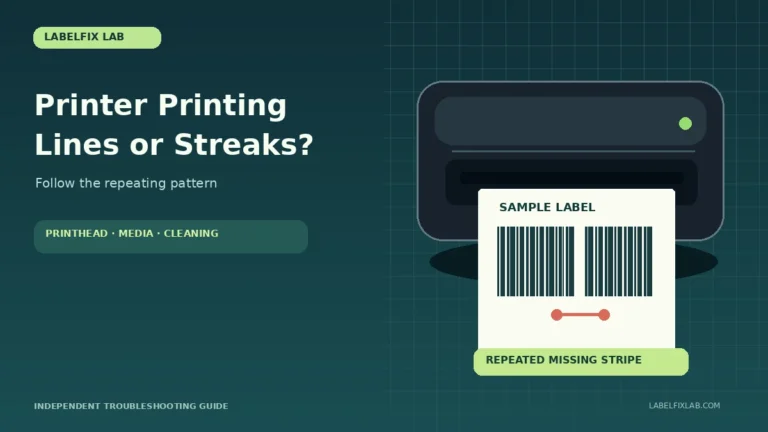
Thermal Printer Printing Lines or Streaks? Identify the Pattern
Dark streaks or missing lines on thermal labels? Diagnose vertical stripes, horizontal banding, printhead residue, media quality and artwork problems.
Read the guideLabelFix Lab / Topic library
Articles in this topic
Dark streaks or missing lines on thermal labels? Diagnose vertical stripes, horizontal banding, printhead residue, media quality and artwork problems.
Read the guide
Is your thermal printer feeding labels nonstop? Isolate a stuck feed command, gap/black-mark sensing issue, incorrect stock mode, calibration or…
Read the guide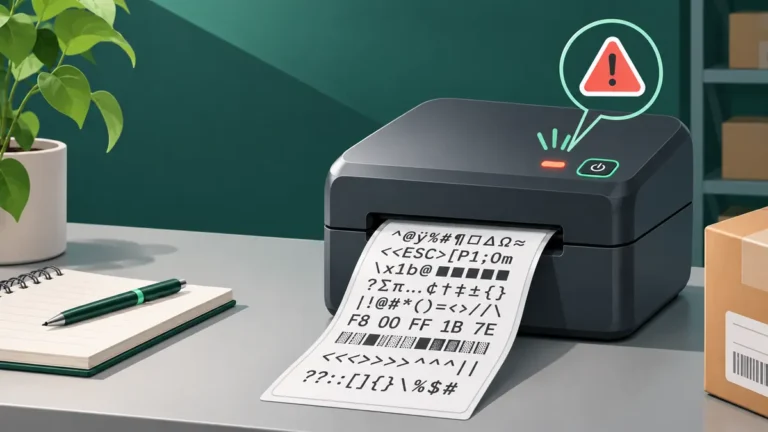
If a thermal printer prints code-like symbols or random characters instead of a label, isolate print language mismatches, incorrect drivers…
Read the guide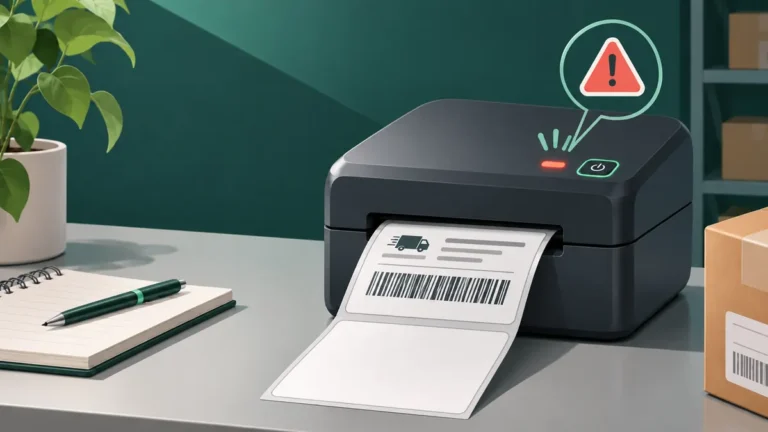
If the printer prints one label correctly but advances another blank label when the job finishes, isolate end-of-job feed settings,…
Read the guide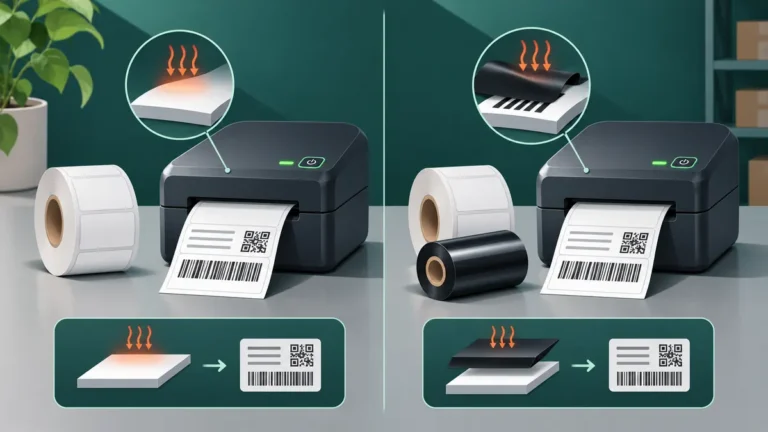
Learn the difference between direct thermal and thermal transfer labels, how to identify your printer's print method, and why the…
Read the guide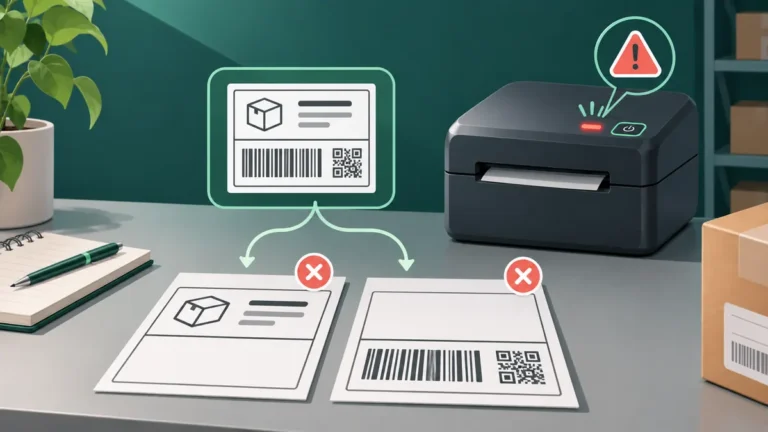
A single 4×6 shipping label is coming out on two pages? Check whether the source document is truly one page,…
Read the guide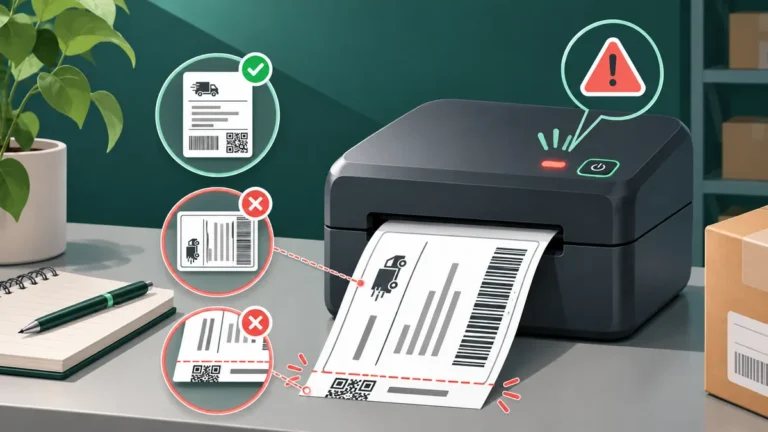
Fix rotated or cropped shipping labels by checking source PDF orientation, 4×6 stock, print preview, scale and driver margins.
Read the guide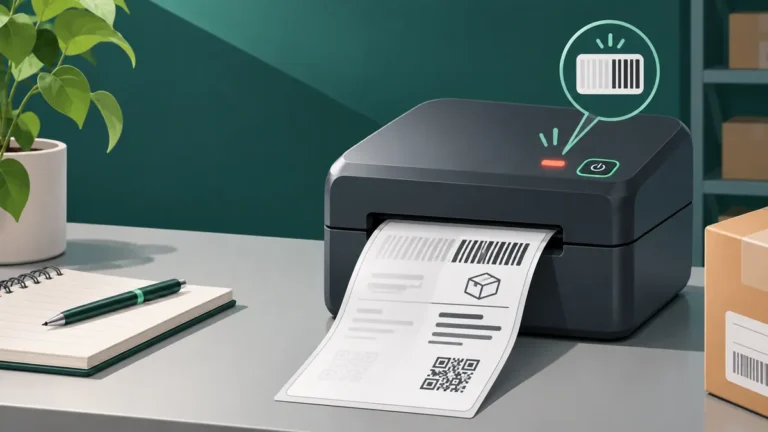
Uneven darkness on the left or right side of a thermal label can point to stock loading, pressure, printhead residue…
Read the guide
If a shipping barcode will not scan, inspect contrast, quiet zones, damaged bars, label sizing and printer output before replacing…
Read the guide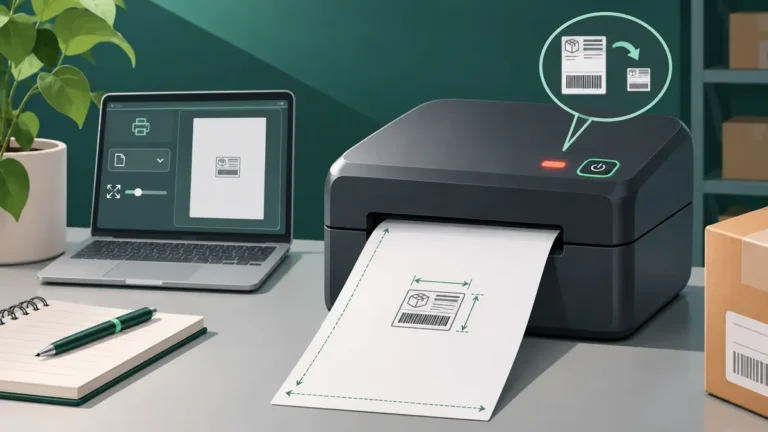
Learn why 4×6 shipping labels print tiny and how to match PDF page dimensions, driver stock size and actual-size print…
Read the guide