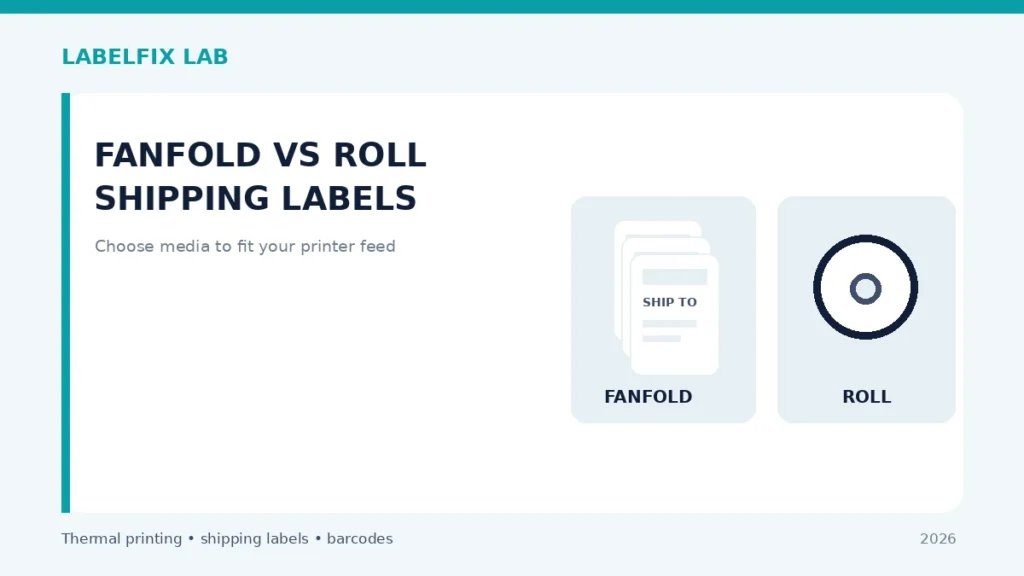
Fanfold labels arrive as an accordion stack, while roll labels are wound around a core. They can both contain 4×6 stickers, yet the feed path and printer compatibility are different questions. A label printer designed only for an internal roll may not accept external fanfold stock unless the manual provides a supported rear-feed path.
Use safely: Record the exact printer and stock model before changing configuration. Keep original settings, make one reversible change at a time, and use non-live test labels rather than a shipment batch.
Quick comparison: what you see
| Observation | Investigate first |
|---|---|
| Stack of folded labels behind the printer | Fanfold feed; inspect supported external entry path |
| Roll will not fit the internal compartment | Core or outside-diameter mismatch |
| Printer pulls fanfold labels at an angle | Stack placement and guide tracking |
| Both media types skip boundaries | Check gap/black-mark type and calibration |
How to diagnose it step by step
1. Verify that your exact printer supports the media form
Read the manual for an external feed slot or approved accessory. Do not thread fanfold stock through a ventilation slot or force a rear cover open. Similar-looking printer variants can differ in accepted supply route.
2. Separate physical dimensions from delivery format
A 4×6 label on a roll and a 4×6 label in a fanfold stack can share the same page dimensions. Their backing, pitch and gaps may still differ. Check the actual liner construction, stock width and sensor compatibility before adjusting driver settings.
3. Check the roll’s core and outer diameter
Roll-fed printers have limits on spindle mounting, core diameter and maximum roll size. A big commercial roll may not fit a small desktop housing even when each individual sticker is 4×6. Our roll core-size guide explains this distinction.
4. Keep the fanfold stack aligned and unobstructed
Where the printer supports rear-feed media, place the stack on a stable, clean surface with a straight route into the approved opening. Sharp turns or stacks placed on the floor can twist the backing, contaminate adhesive and create apparent feed-motor faults.
5. Compare storage and handling conditions
Rolls can be convenient for contained dispensing, while fanfold stacks may avoid some frequent roll changes. Neither is inherently superior for every production volume. Protect unused stock from light, heat, moisture and chemicals according to the exact label supplier specification.
6. Inspect whether calibration must change
A switch from roll to fanfold does not by itself require a new sensor mode if the same gap stock is used, but a change of liner or registration system might. Consult media calibration basics and use the manufacturer procedure.
7. Run a short, controlled feed comparison
Use the same non-live page design on compatible roll and fanfold media. Note whether each stops at the intended label boundary and remains aligned across several prints. If one type works and another fails, compare stock specifications and approved loading.
8. Decide by workflow, not only sticker price
Consider space behind the printer, how often you reload, contamination risk, carrier label requirements and the cost per usable printed label. The lowest listed price per roll is not a useful comparison if the device cannot accept that roll.
What the checks tell you
Choose the format your printer actually supports and whose stock specifications match the job. Rear-fed fanfold material needs a documented entry route; roll diameter and core size matter for internal feeders.
Production-ready verification
Use the vendor’s approved test procedure and an original, correctly sized sample. Confirm the media advances reliably and the final print preserves its barcode, clear margins, address and routing marks. If the manufacturer’s manual disagrees with a generic suggestion, follow that documented model-specific method. Never force feed rollers, bypass sensors or use unsuitable cleaning materials.
Worked example: a hypothetical diagnostic case
Suppose a 4×6 fanfold stack prints correctly for the first two labels but starts feeding diagonally. The original roll worked normally. The next check is whether the printer officially supports the rear-entry path, and whether the stack is positioned straight without snagging or heavy folds. Test a few non-live stickers and note whether the misalignment is caused by the supply route or a changed gap format. If the fanfold stock uses a different registration method, the sensor mode may need the manufacturer’s supported adjustment. If the device lacks an approved external entry, forcing fanfold material through a gap in the housing is not a valid solution.
What not to conclude from one test
Fanfold labels are not automatically more compatible just because their individual stickers are the same dimensions as those on a roll. The input route, liner pitch, storage conditions and printer hardware all matter.
For an accountable troubleshooting record, note the exact model, source document or sample, current interface and settings, the test performed, and which symptom changed. Keep production tracking numbers and customer information private. This is an illustrative case, not a claim of first-hand testing.
Frequently asked questions
Are fanfold labels better than roll labels?
There is no universal answer. Both can work well when approved for the device and storage conditions.
Can a roll-only printer use fanfold stock?
Only when the manufacturer documents a compatible external feed option or accessory.
Does a 4×6 fanfold stack always use gap sensing?
No. Check the actual media registration design, not just nominal label size.
Editorial disclosure: This is general, independent technical guidance. We do not claim hands-on testing of every printer variant. Refer to the exact model manual, consumables specification and our editorial verification policy.
Independent general troubleshooting information for shipping labels and thermal printers. Model-specific button sequences, cleaning supplies and service instructions can differ; consult your manufacturer's official documentation. Never alter a carrier-generated barcode.