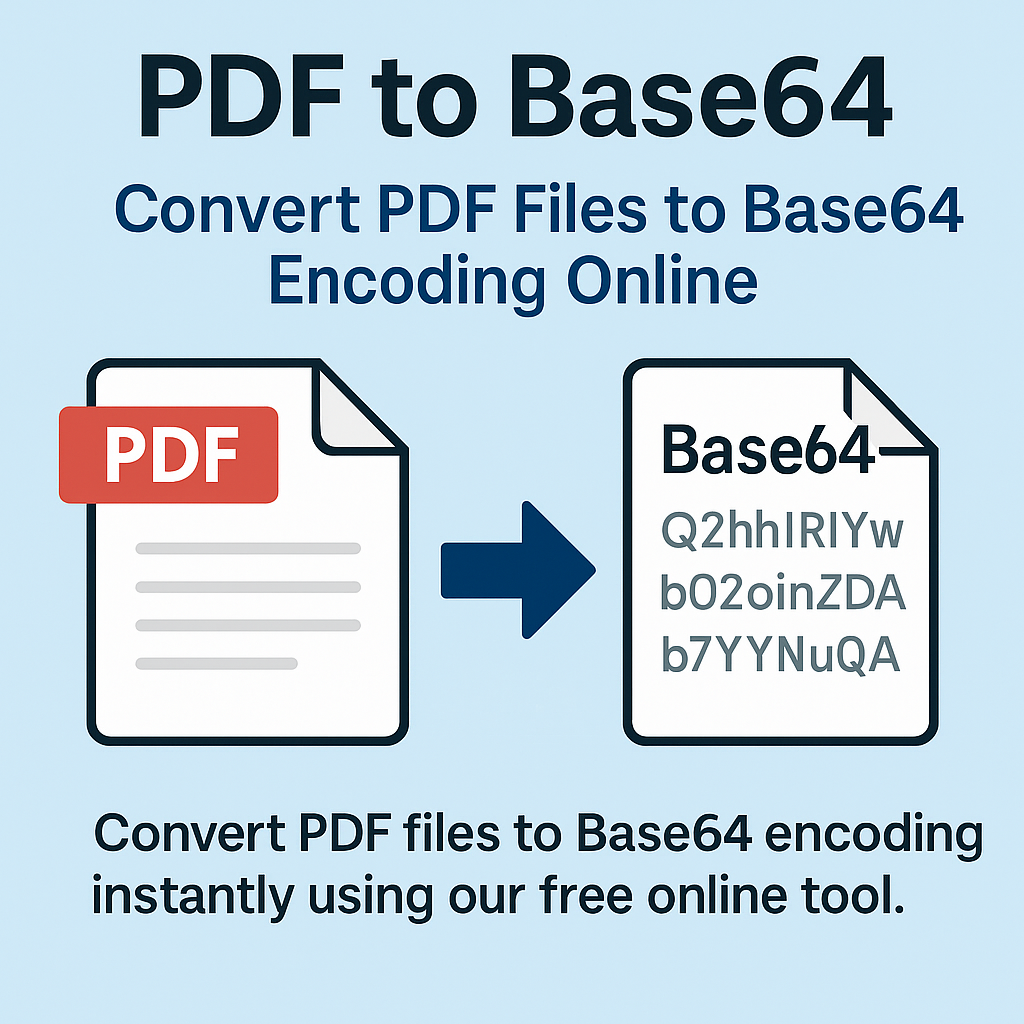
PDF to Base64 – Convert PDF Files to Base64 Encoding Online
Base64 encoding is widely used in web development, APIs, data processing, security systems, and file embedding. Developers often require PDF files in Base64 format for sending documents through JSON APIs, embedding PDFs inside HTML, storing files in databases, or transferring them without corruption. Converting PDFs manually can be time-consuming, but our PDF to Base64 – Convert PDF Files to Base64 Encoding Online tool makes the process instant, simple, and completely reliable.
With just one click, you can upload your PDF and convert it to Base64 code that is ready for integration anywhere — whether you're working with REST APIs, backend systems, mobile apps, or online services.
Try it now using our fast online tool: PDF to Base64 Converter
What Is Base64 Encoding?
Base64 is a method of converting binary data (such as PDF files) into a plain-text string that can be safely transferred across systems that do not support binary formats. It ensures data integrity and compatibility.
Why Base64 Is Important
- Safe for JSON and XML — ideal for APIs
- Easy to store — fits perfectly in databases
- Text-based — avoids encoding issues
- Widely supported — works in all programming languages
Simply put, Base64 turns your PDF into a string that can be transmitted anywhere without corruption.
Why Convert PDF to Base64?
1. Perfect for API Integrations
Many APIs require PDF files to be sent as Base64 strings inside a JSON request. Converting manually saves time and reduces errors.
2. Embed PDFs Inside HTML or CSS
Base64 allows you to embed PDFs directly into:
- Web pages
- Emails
- Stylesheets (rare but possible)
- Mobile apps
3. Store PDFs in Databases
Base64 makes storing documents in SQL, MongoDB, or Firebase simple and efficient.
4. Prevent File Corruption
Binary formats can get corrupted in transit. Base64 ensures safe delivery every time.
5. Use in Backend & Cloud Applications
Cloud services like AWS, Firebase, and Google Cloud handle Base64 perfectly.
How to Convert PDF to Base64 Online (Step-by-Step)
Converting a PDF to Base64 with our tool is extremely simple:
Step 1 – Open the Online Converter
Go to: PDF to Base64 Converter
Step 2 – Upload Your PDF File
Drag and drop your PDF or select it manually.
Step 3 – Convert to Base64
Click “Convert” and the system instantly encodes your PDF.
Step 4 – Copy or Download the Base64 Output
You can:
- Copy the Base64 string
- Download it as a .txt file
- Use it directly in your code
Who Uses PDF to Base64 Conversion?
- Developers – API calls, backend logic, JSON payloads.
- Frontend engineers – embed PDFs in UI components.
- Mobile developers – send PDFs in Base64 to mobile apps.
- Software companies – automated document processing.
- Cloud engineers – integrate Base64 PDFs with cloud storage.
- Students & educators – convert PDFs for online tools.
- Businesses – secure transfers of sensitive files.
Advantages of Our PDF to Base64 Tool
1. Instant Encoding
Conversion happens in seconds — even for large PDFs.
2. High Precision Encoding
The Base64 output is clean, accurate, and compatible with all systems.
3. No File Size Limits
Large PDFs are supported without issues.
4. No Software Required
Everything happens in your browser.
5. Works on All Devices
- Windows
- Mac
- Linux
- Android
- iOS
6. Private & Secure
Files are auto-deleted — perfect for confidential documents.
Related Tools
FAQ – PDF to Base64
1. Does Base64 reduce quality?
No — Base64 is lossless and preserves the original PDF.
2. Can I decode Base64 back to PDF?
Yes — use our Base64 to PDF tool.
3. Is the tool free?
Yes — 100% free.
4. Is Base64 safe for sending sensitive files?
Yes — but encryption methods should also be used for highly sensitive data.
5. What programming languages support Base64?
Almost all languages: JavaScript, Python, PHP, Java, C#, Swift, Kotlin, Ruby, and more.
Conclusion
Converting PDFs to Base64 is essential for developers, businesses, and anyone dealing with APIs or digital document systems. Our PDF to Base64 Converter transforms your PDF into a clean, ready-to-use Base64 string instantly — safe, fast, and completely online.


